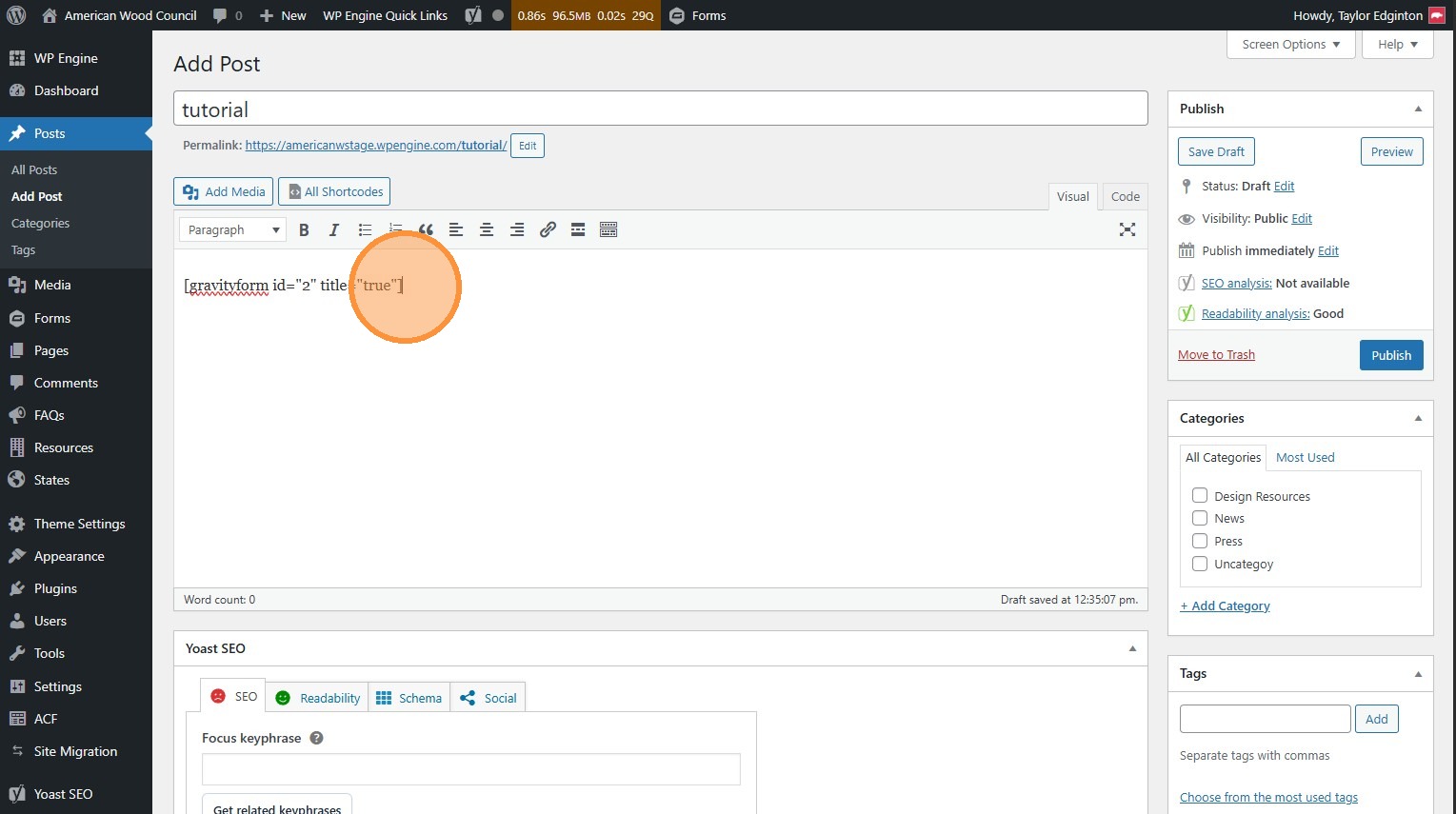
Forms
How to create, edit, and embed forms.
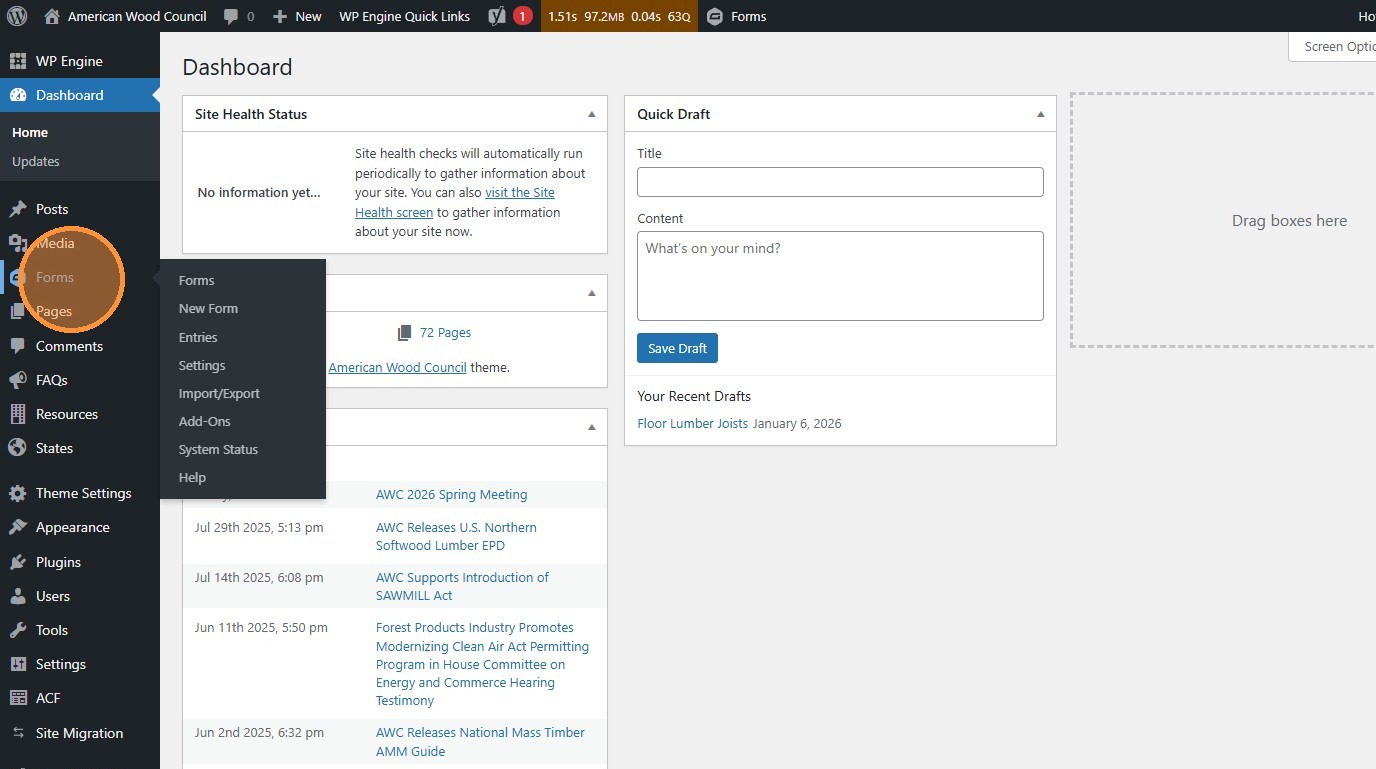
- Navigate to https://awc.org/wp-admin/, and click Forms.
Create/Edit Forms
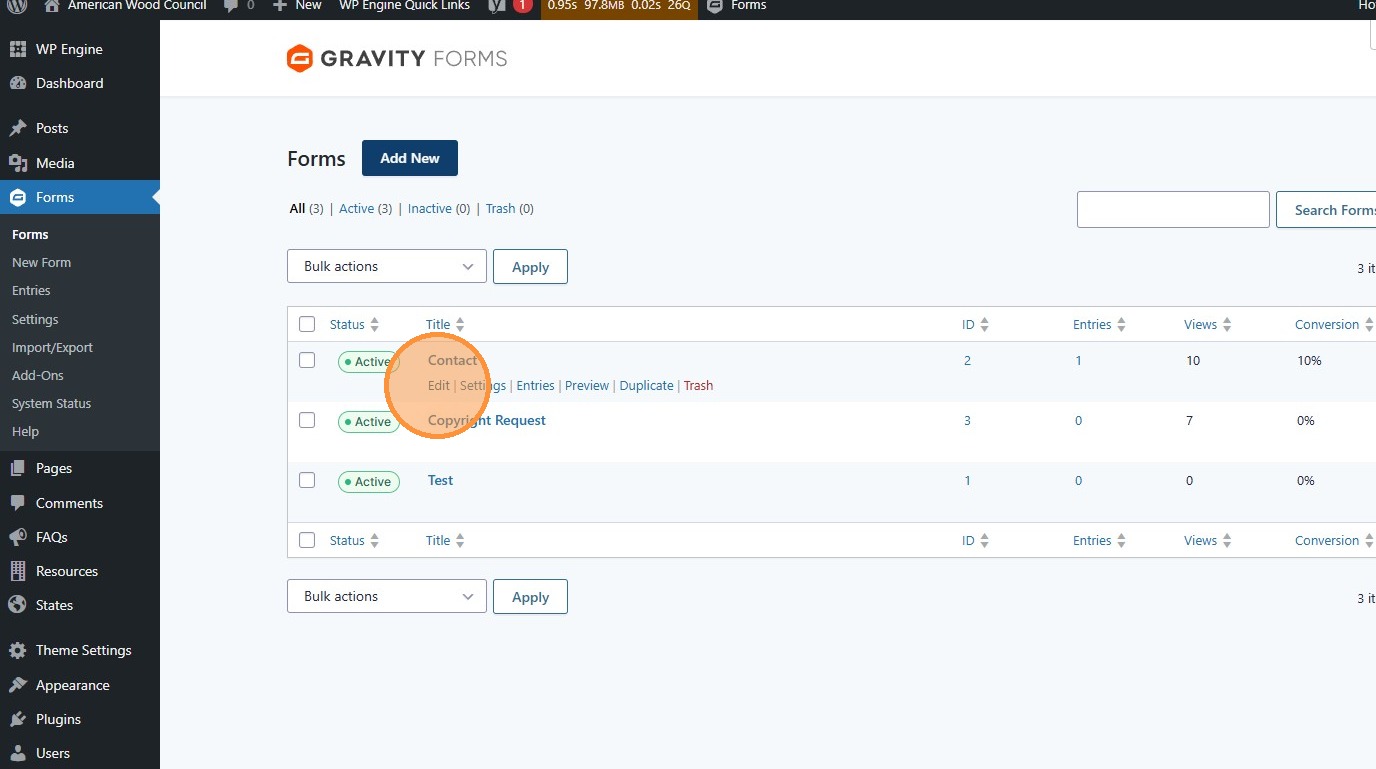
Section titled “Create/Edit Forms”- Gravity Forms (https://docs.gravityforms.com/) powers the forms for this website. To edit an existing form, click the “Edit” button.
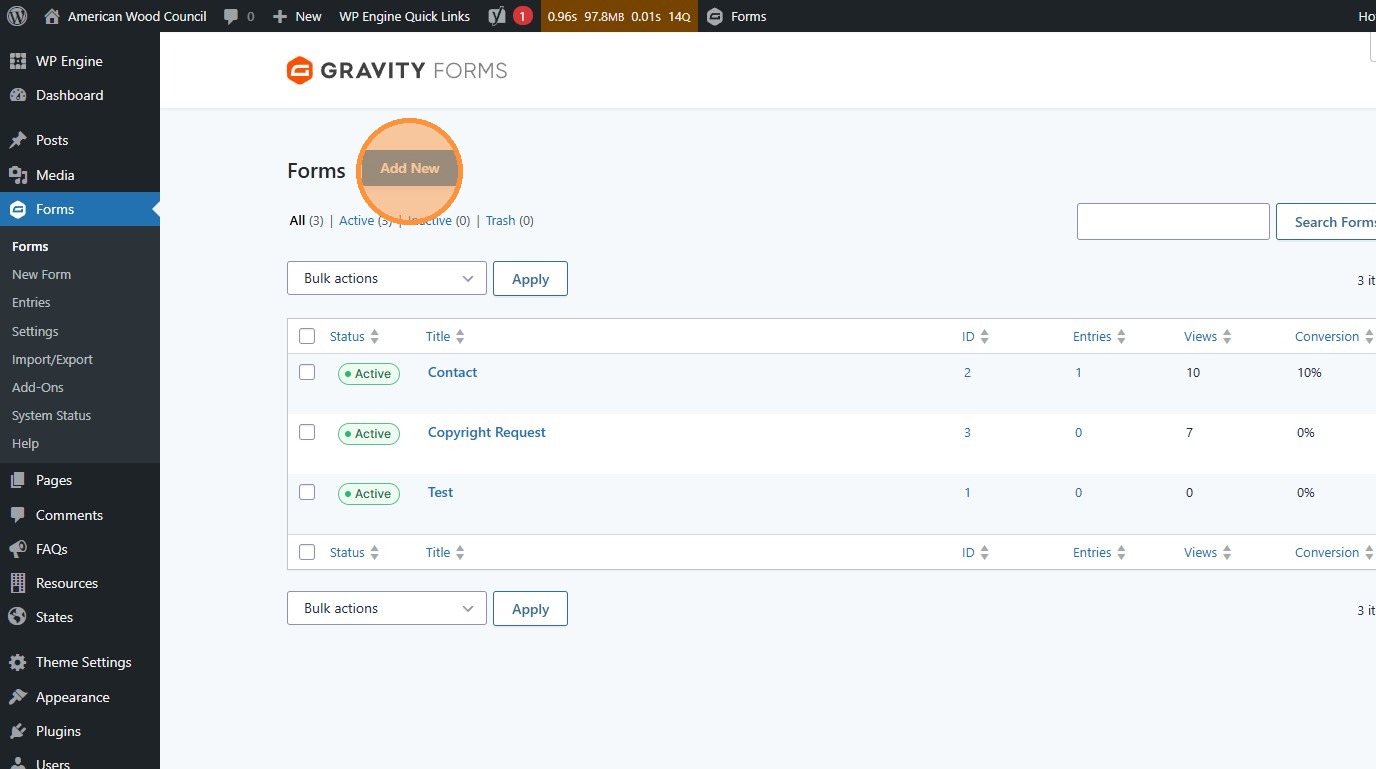
- Click “Add New” to create a new form
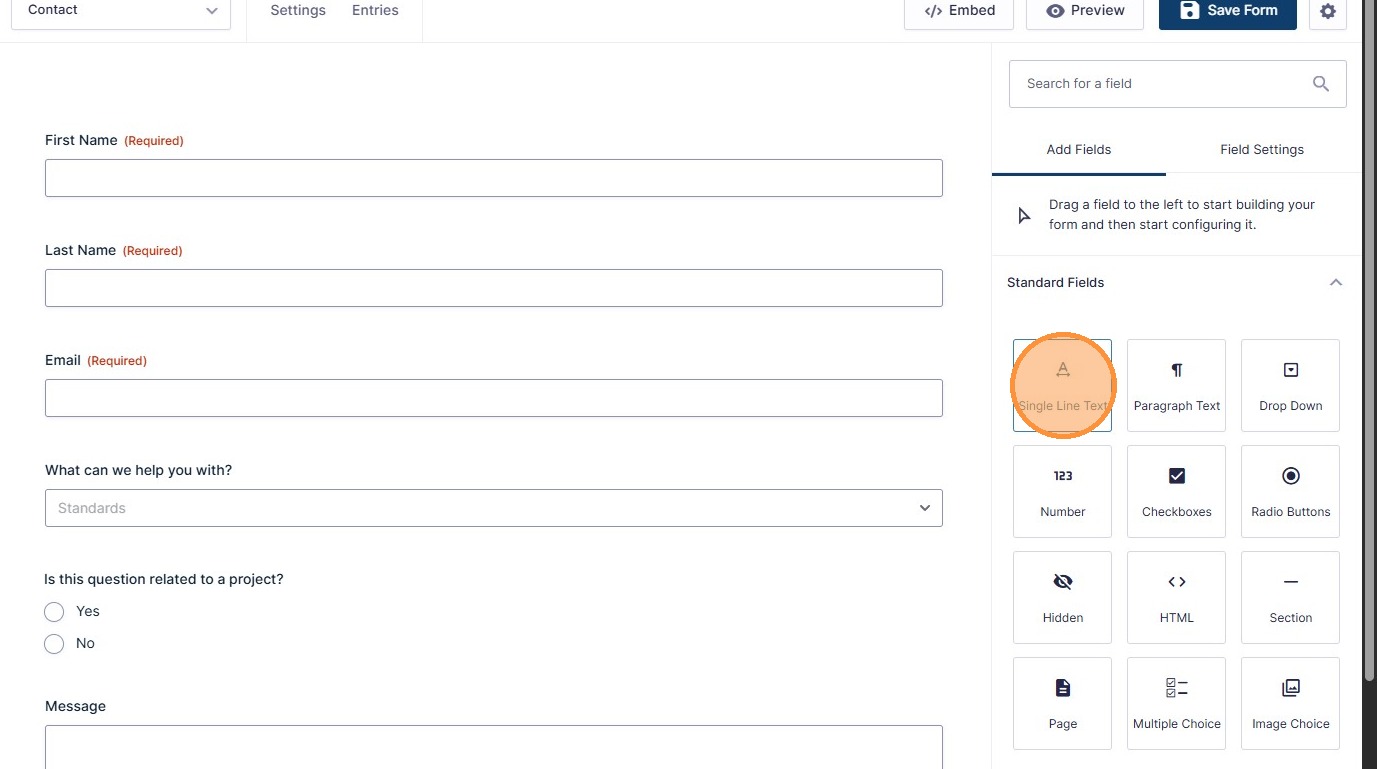
- Create the form or make the edits you need.
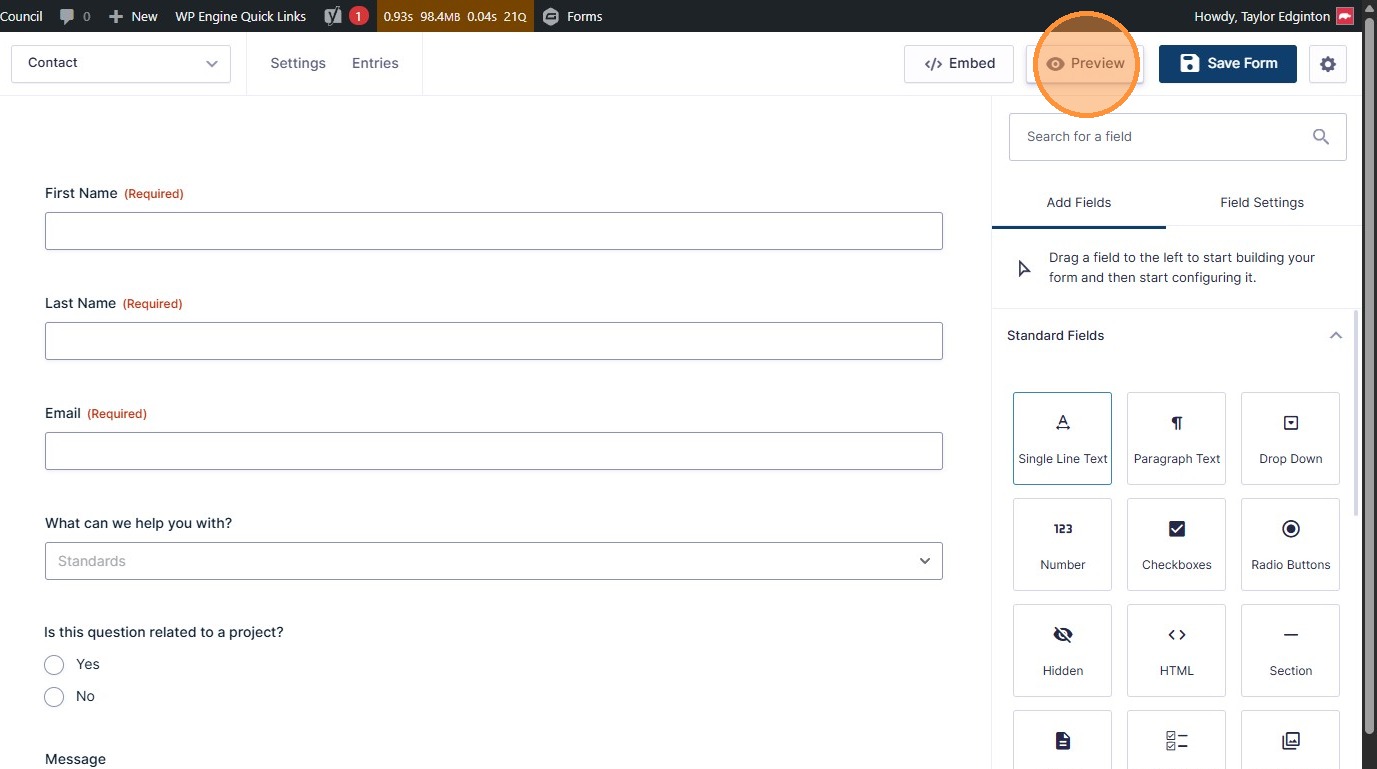
- Click “Preview” (opens in a new tab) to see your changes before they go live.
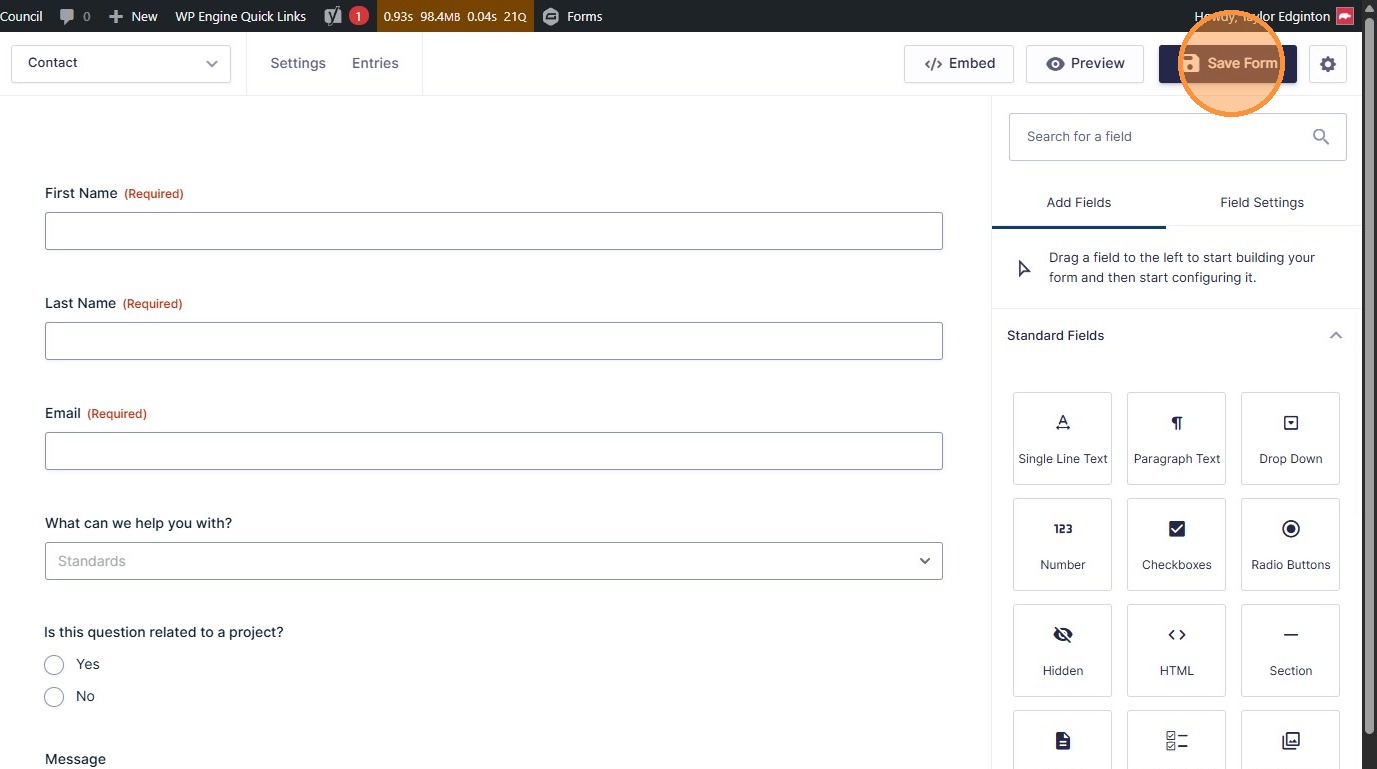
- Click “Save Form” to publish your changes to the live site.
Place Forms
Section titled “Place Forms”- To place the form on a page or post, click the “Embed” button.
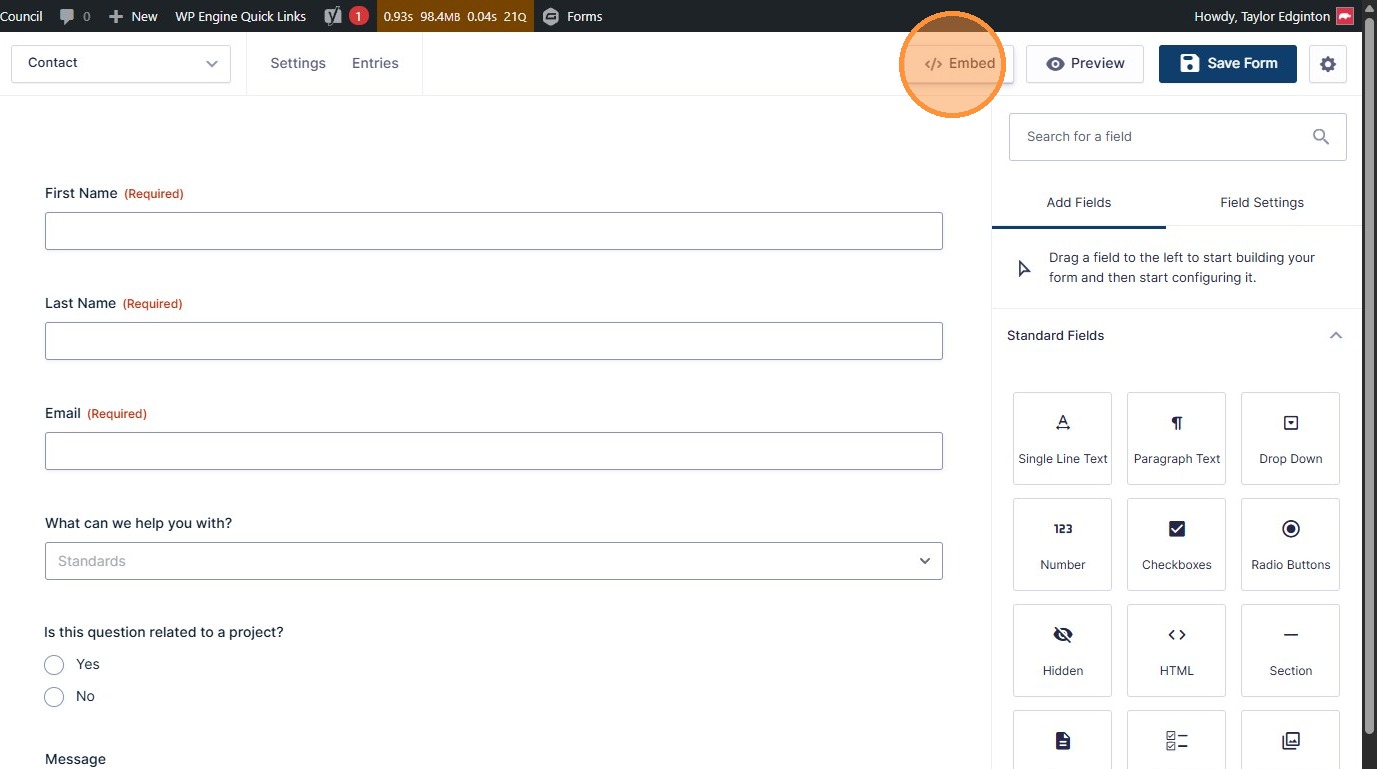
- Click “Copy Shortcode”
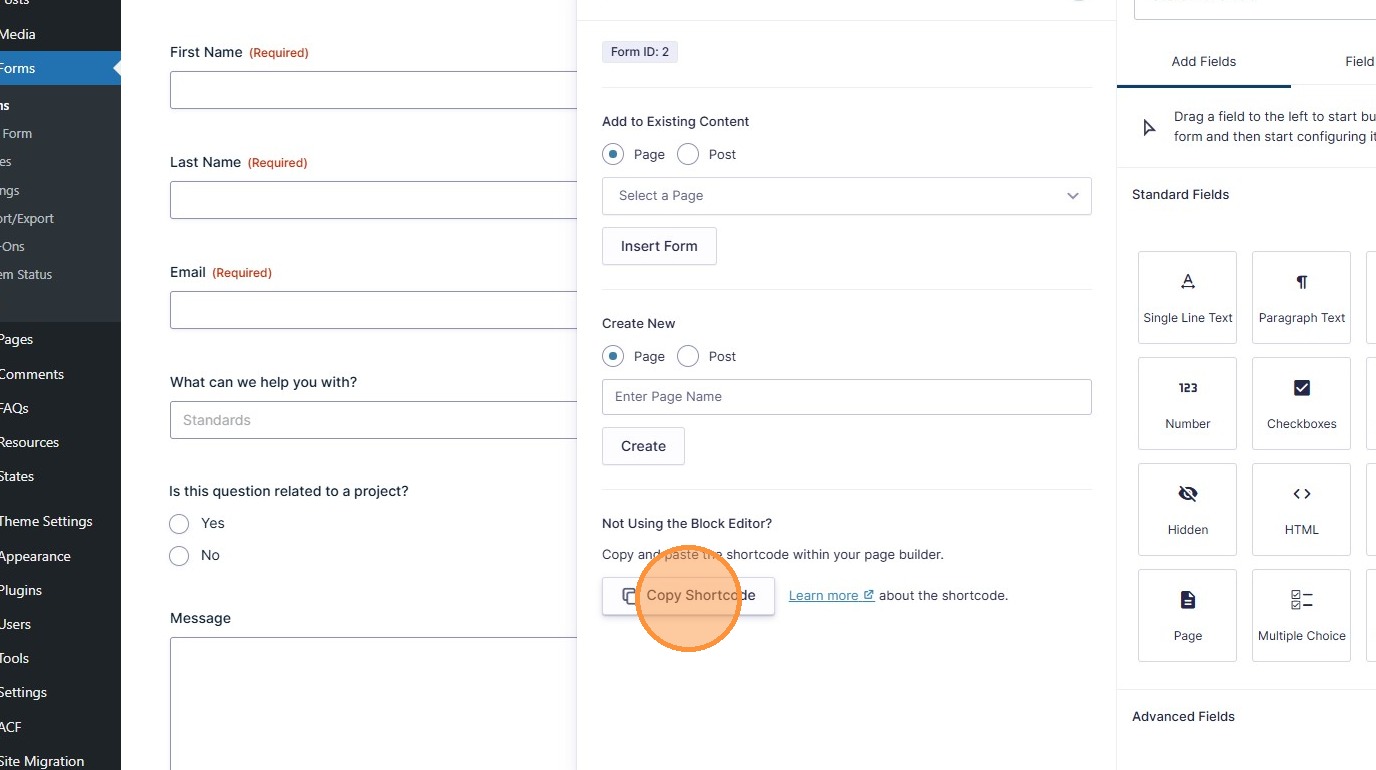
- Paste the Shortcode into a Post or Text Block module on a Page.