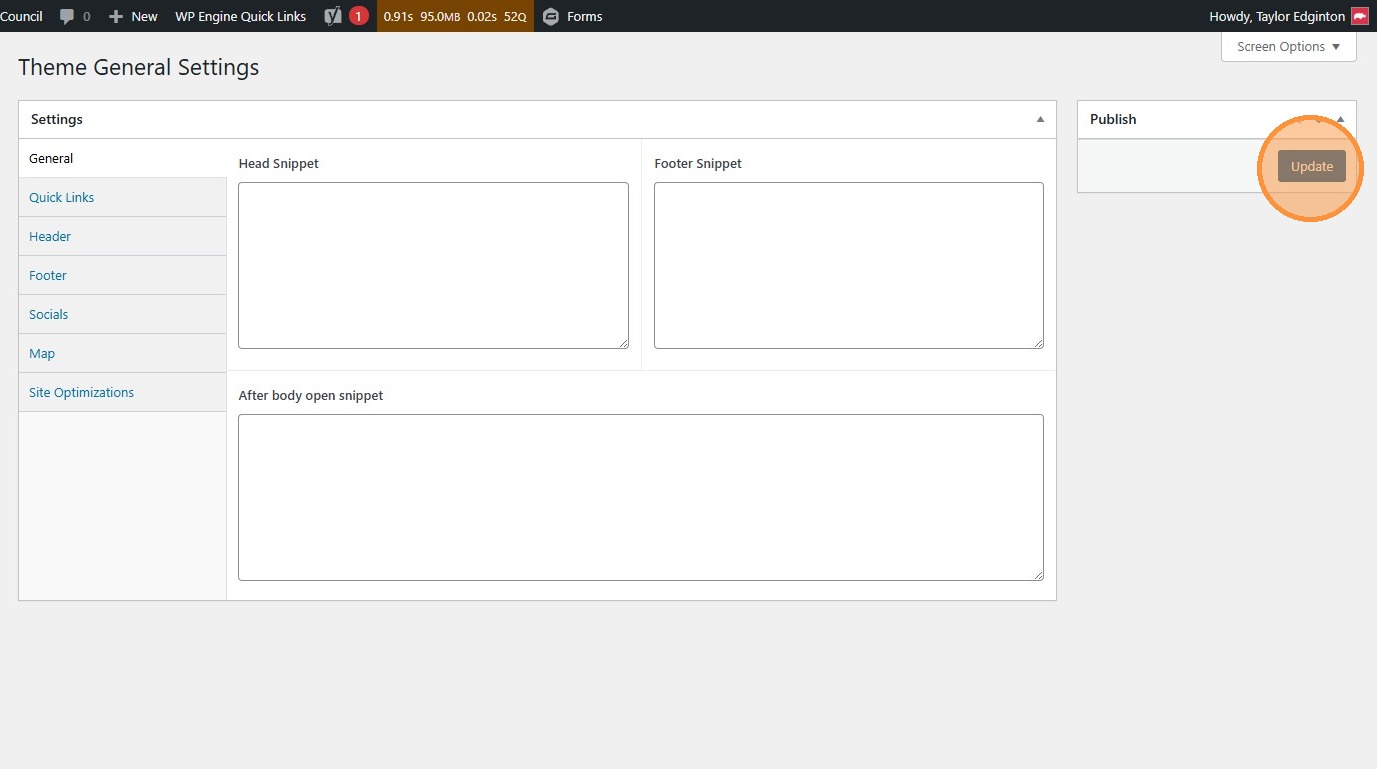
Theme Settings
How to edit theme settings and certain header and footer settings, including header menus.
1. Navigate to https://awc.org/wp-admin/, and click “Theme Settings”
Section titled “1. Navigate to https://awc.org/wp-admin/, and click “Theme Settings””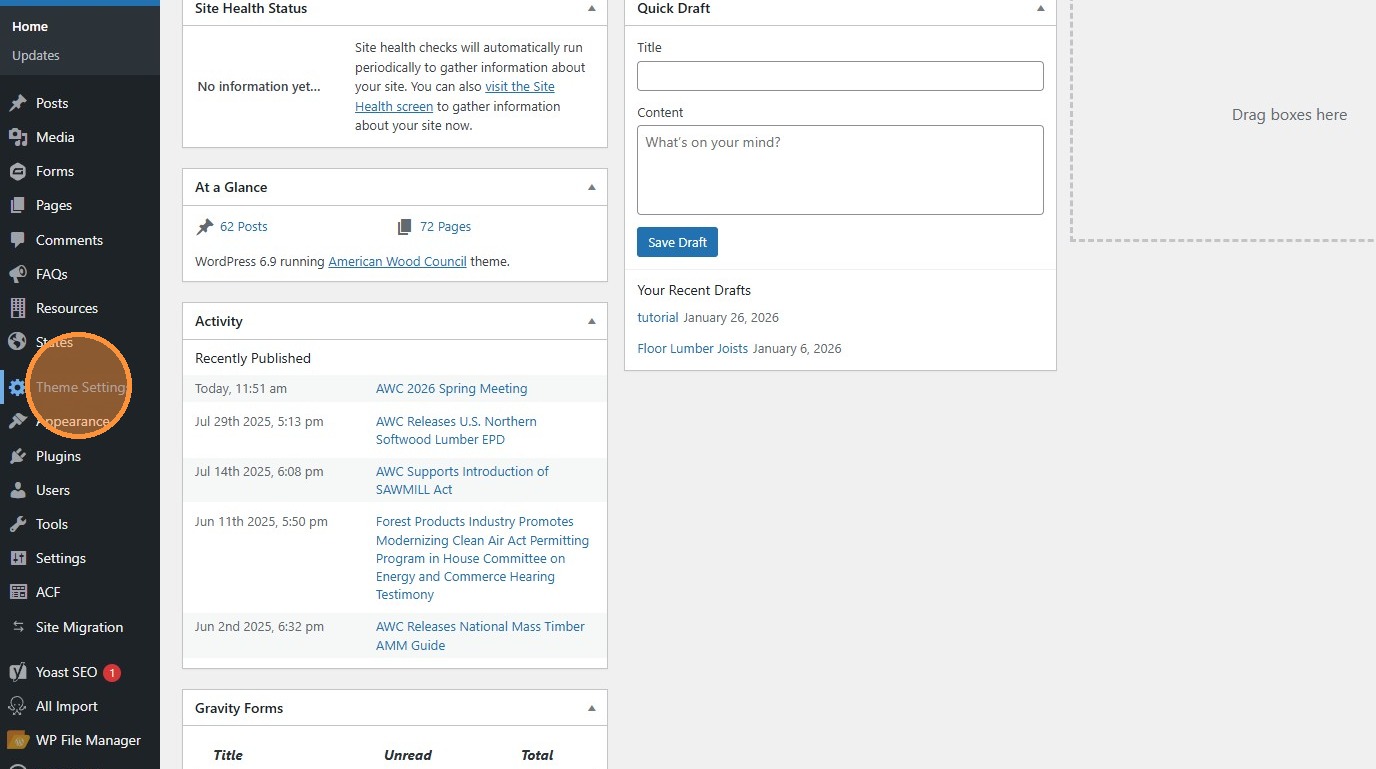
2. General settings include fields for adding scripts to the header and footer. Currently the site loads Google Analytics with the “Head Snippet” field.
Section titled “2. General settings include fields for adding scripts to the header and footer. Currently the site loads Google Analytics with the “Head Snippet” field.”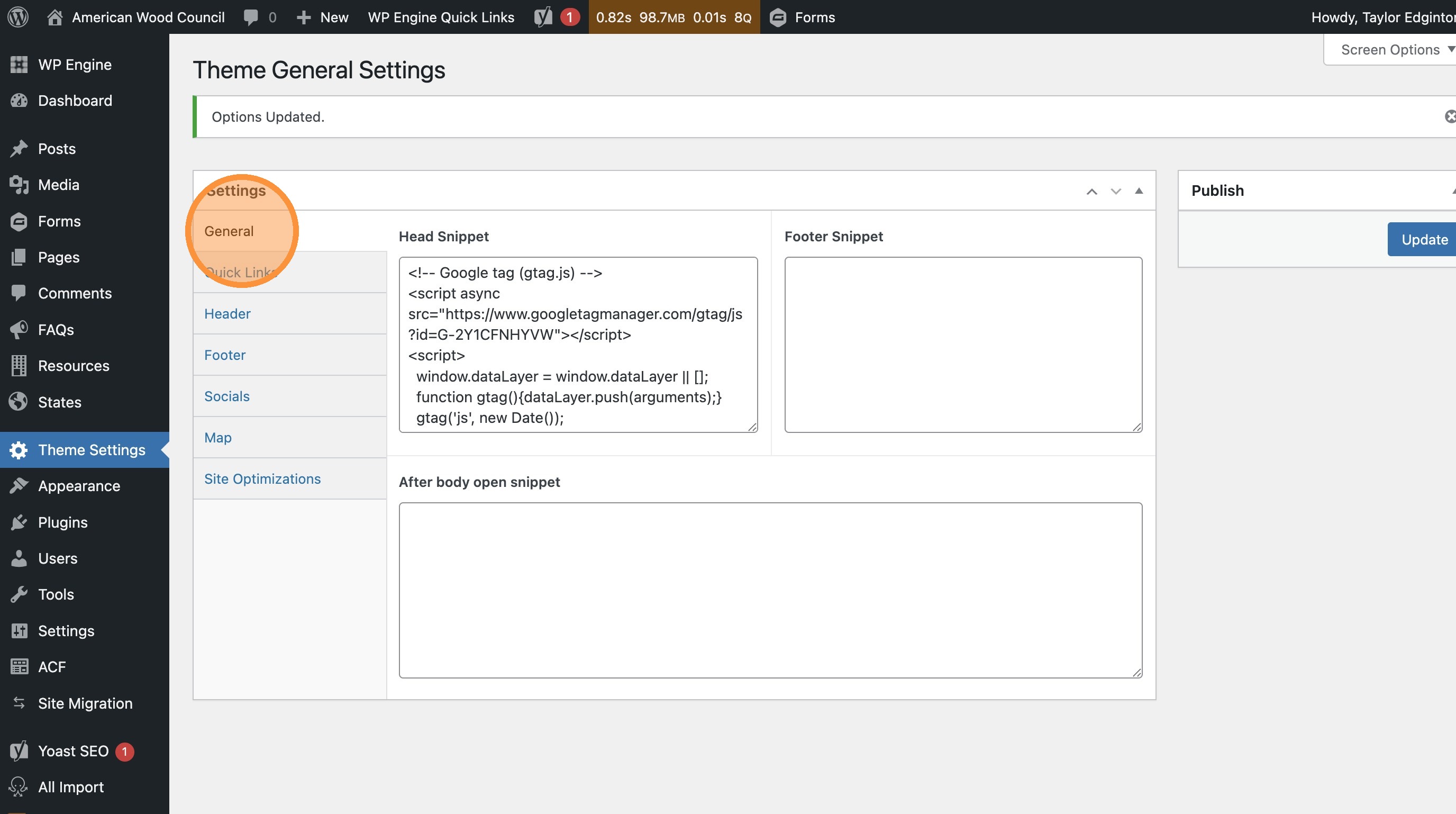
3. Quick Links is where you can edit the Quick Resources module
Section titled “3. Quick Links is where you can edit the Quick Resources module”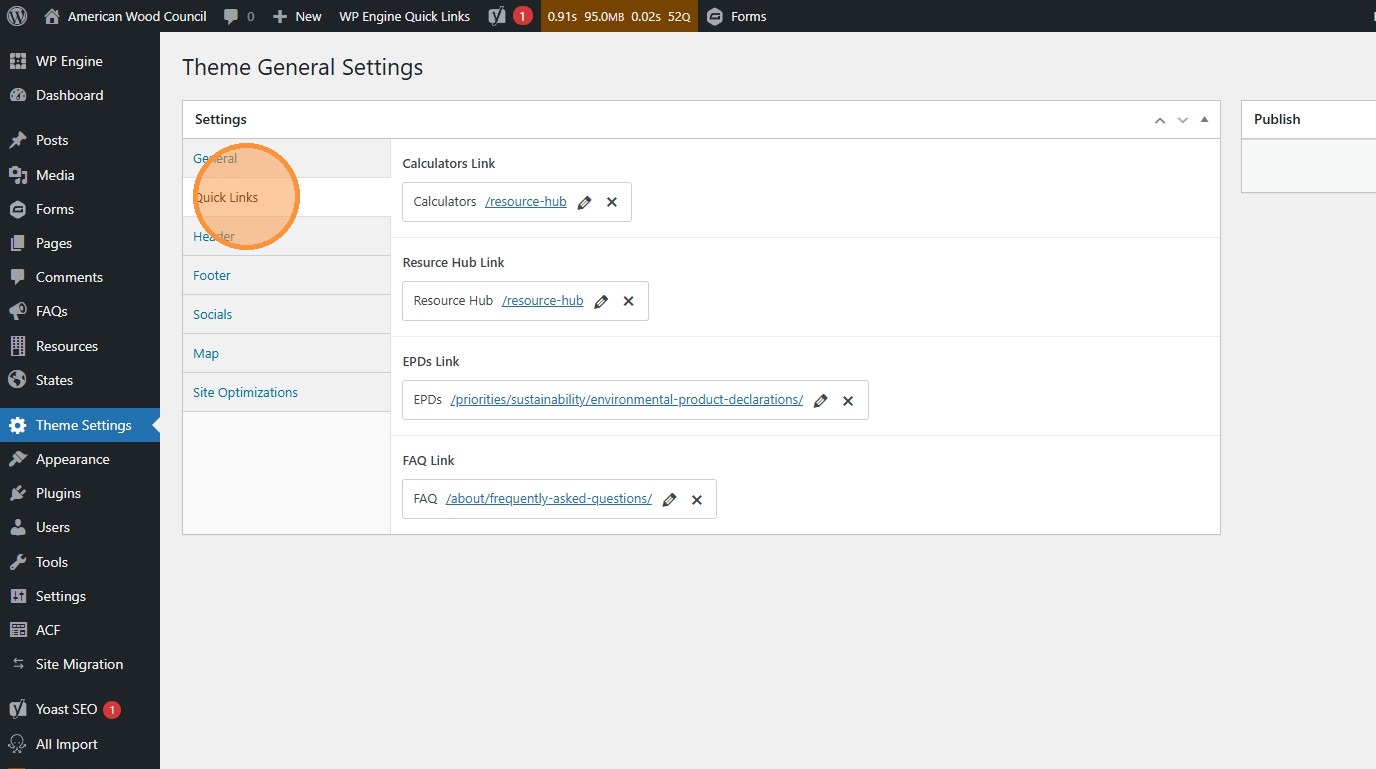
4. (That being this menu near the top of the homepage)
Section titled “4. (That being this menu near the top of the homepage)”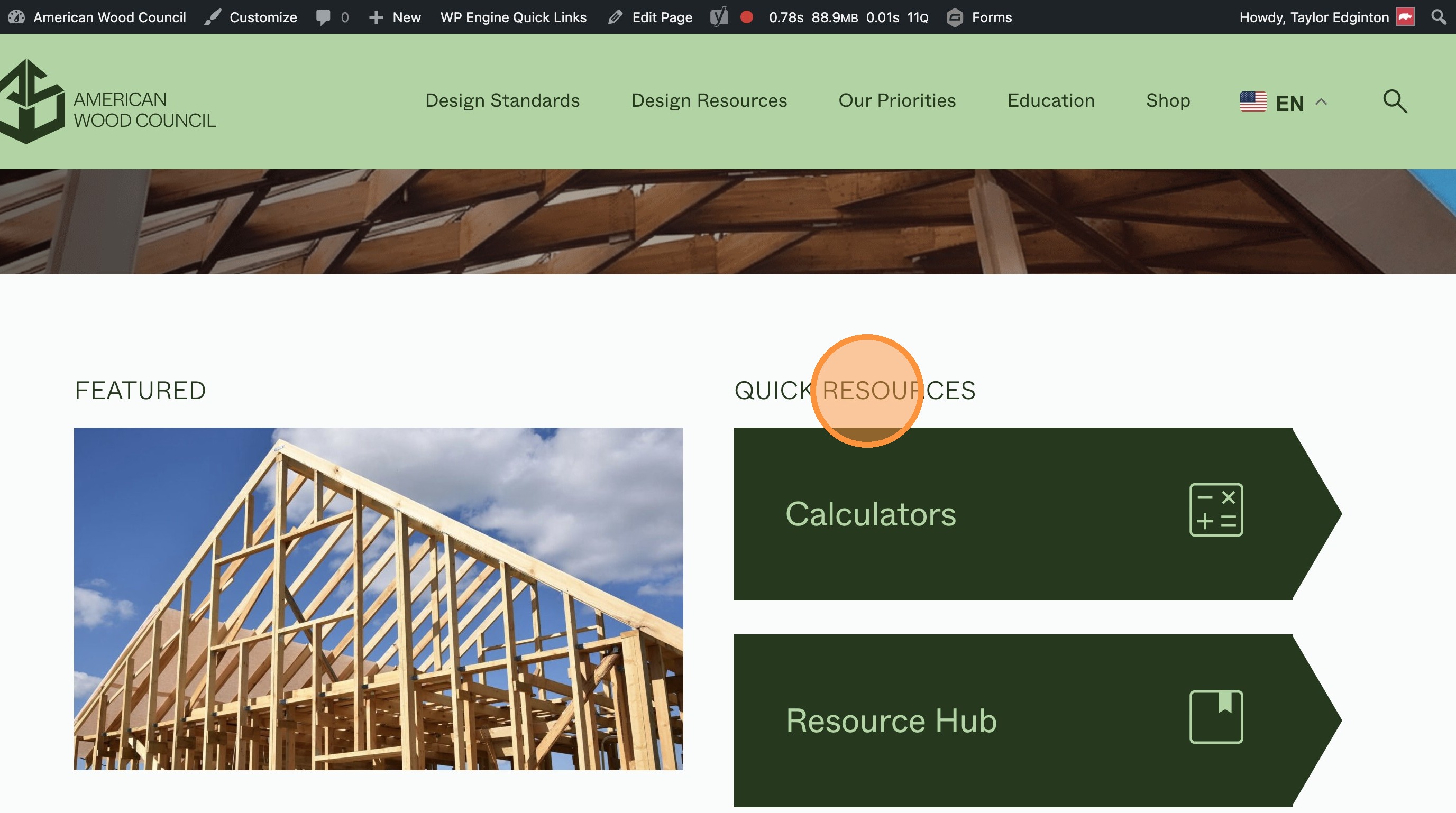
5. Header settings are where the logo in the top navigation is set.
Section titled “5. Header settings are where the logo in the top navigation is set.”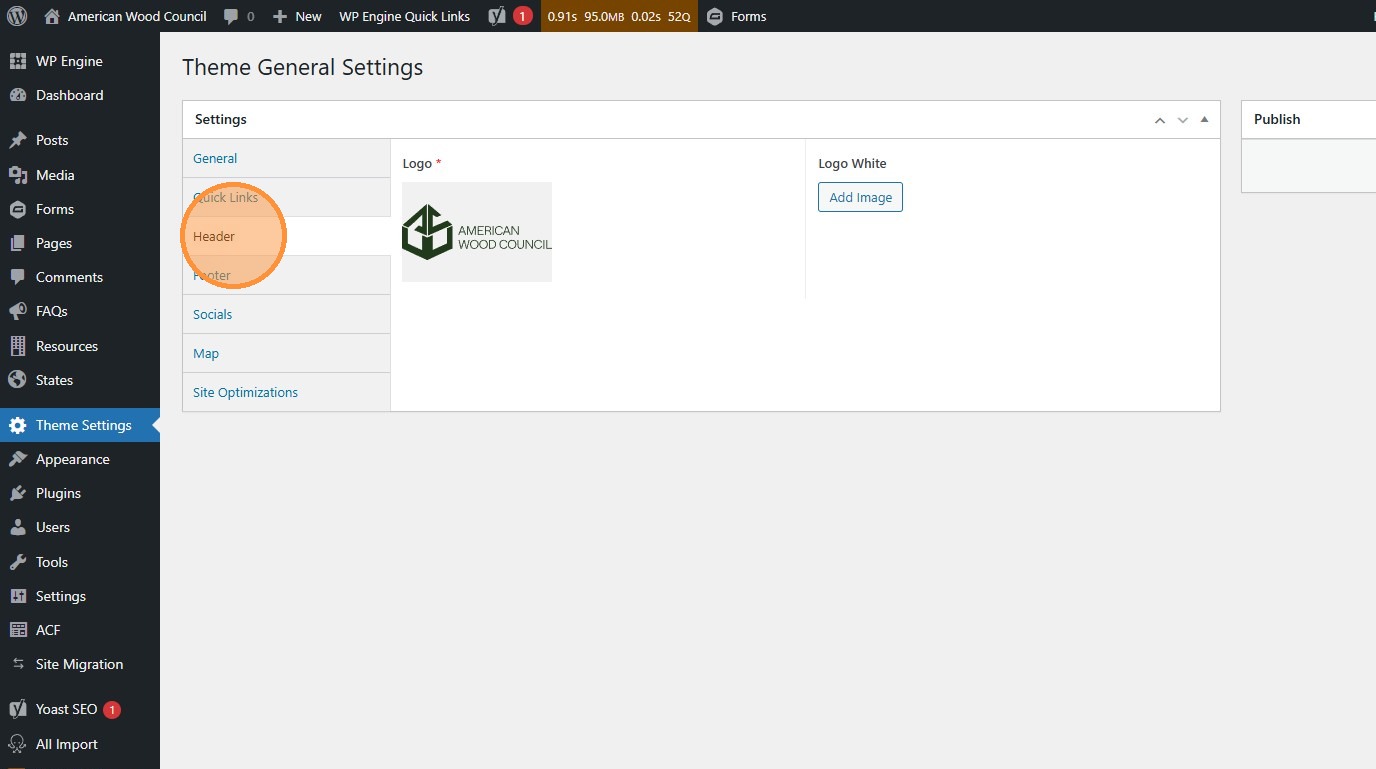
6. Footer settings adjust the content in the footer section at the bottom of pages.
Section titled “6. Footer settings adjust the content in the footer section at the bottom of pages.”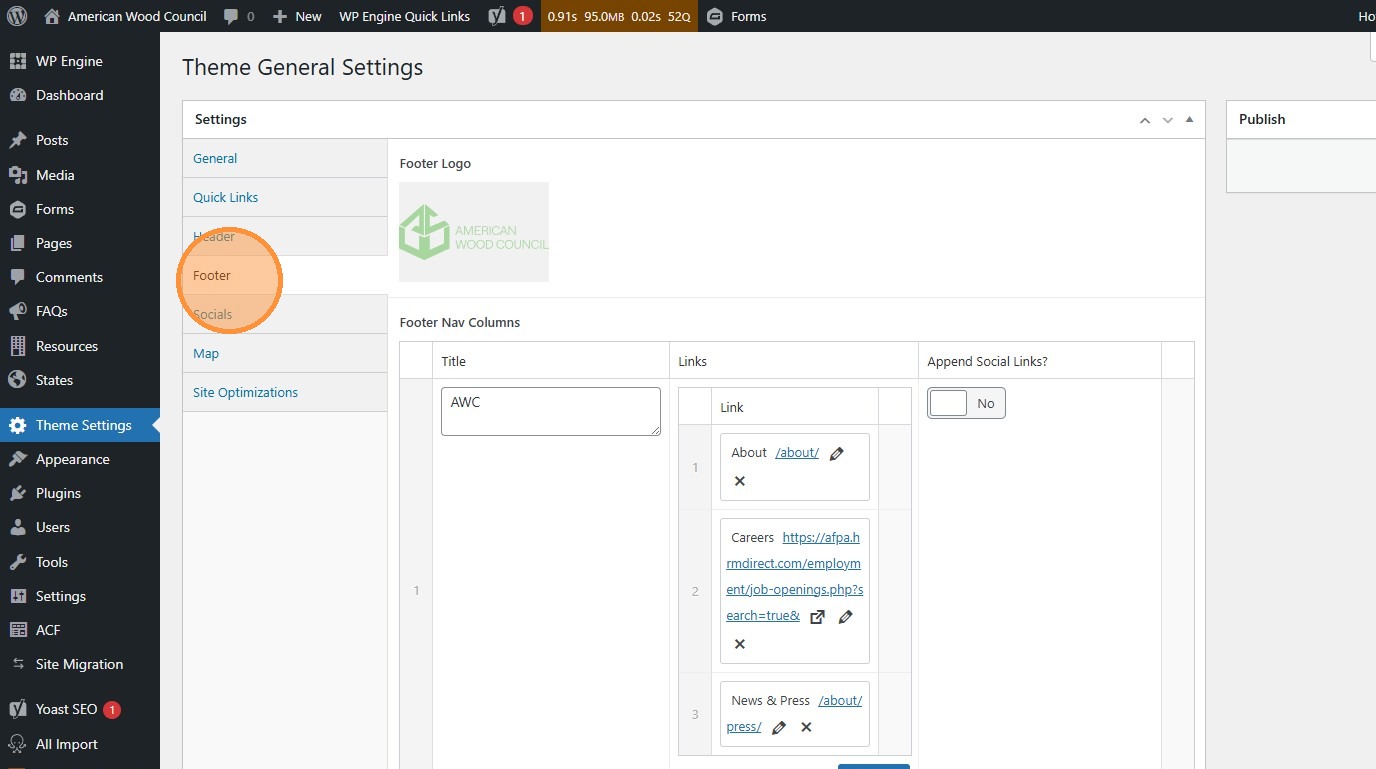
7. Socials settings control the links to various platforms. These are used in the footer.
Section titled “7. Socials settings control the links to various platforms. These are used in the footer.”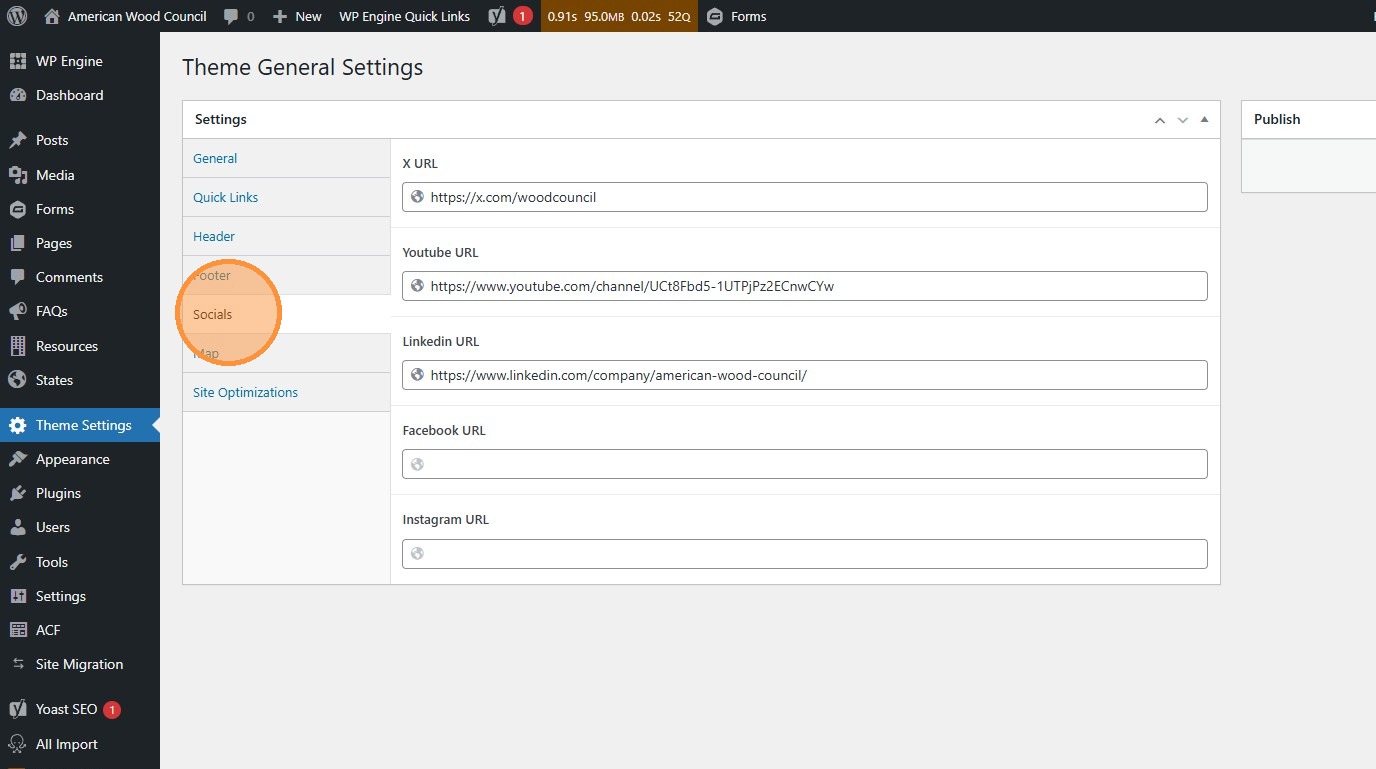
8. Click “Submit” to publish your changes to the live site.
Section titled “8. Click “Submit” to publish your changes to the live site.”