Pages
How to create, edit, and remove pages.
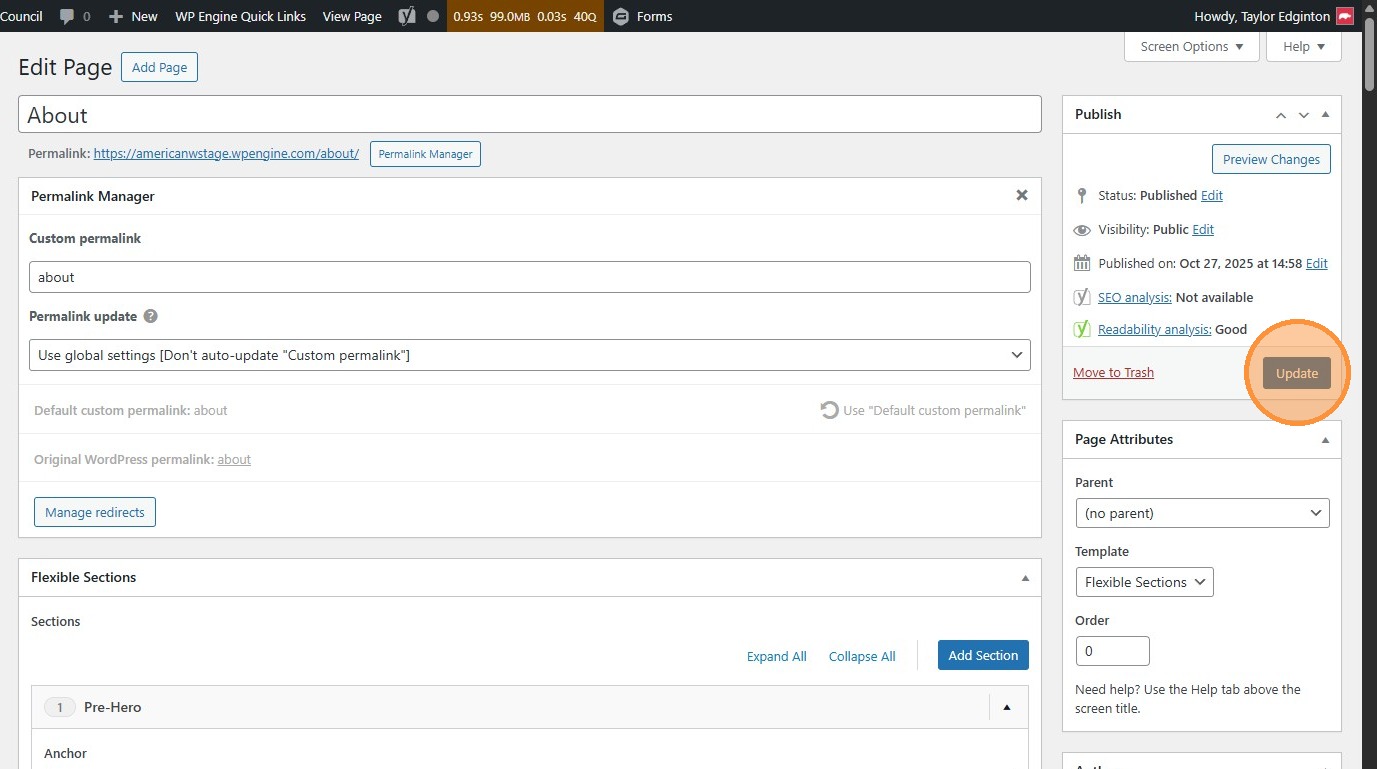
- Navigate to https://awc.org/wp-admin/, and click “Pages”.
This is where you can edit all of the more complex pages on the site, such as the homepage or those under the My Priorities tab.
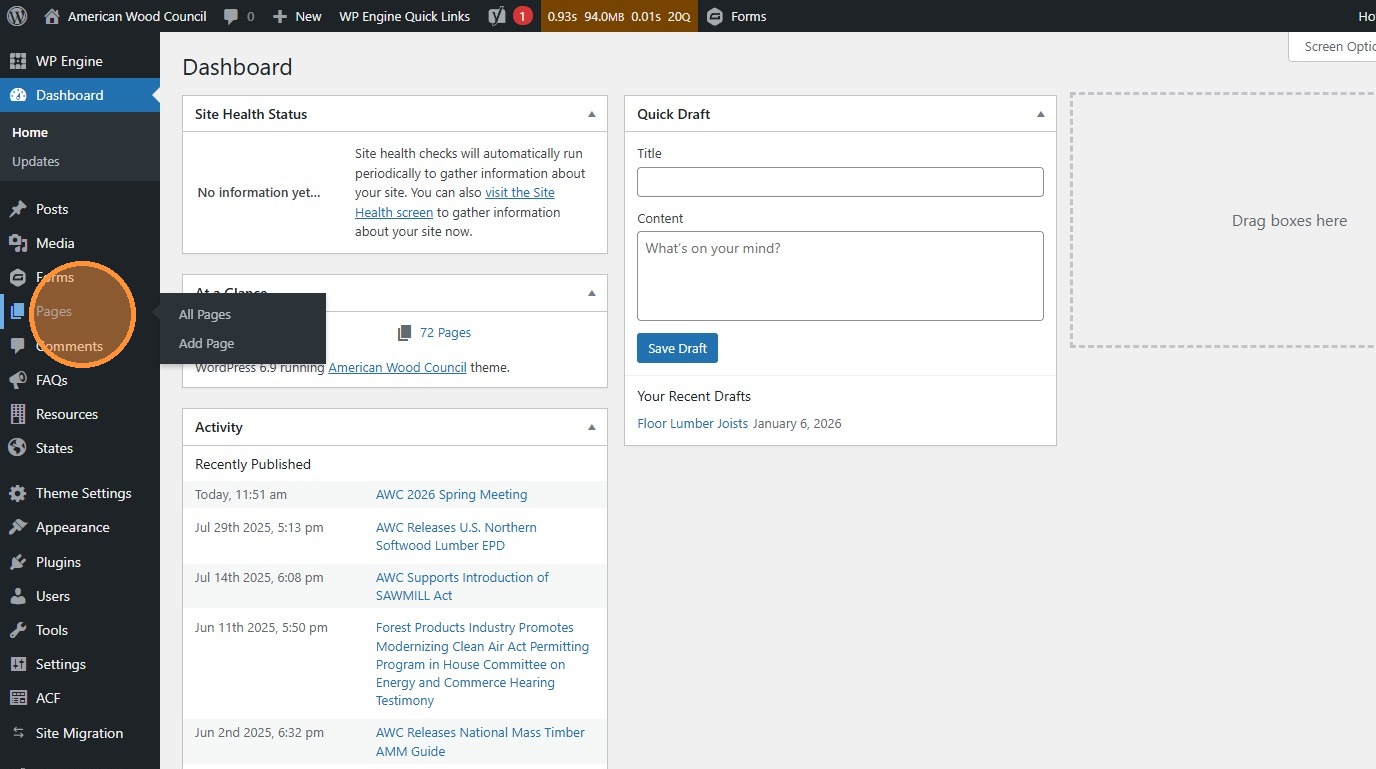
- Click “Add Page” to create a new page
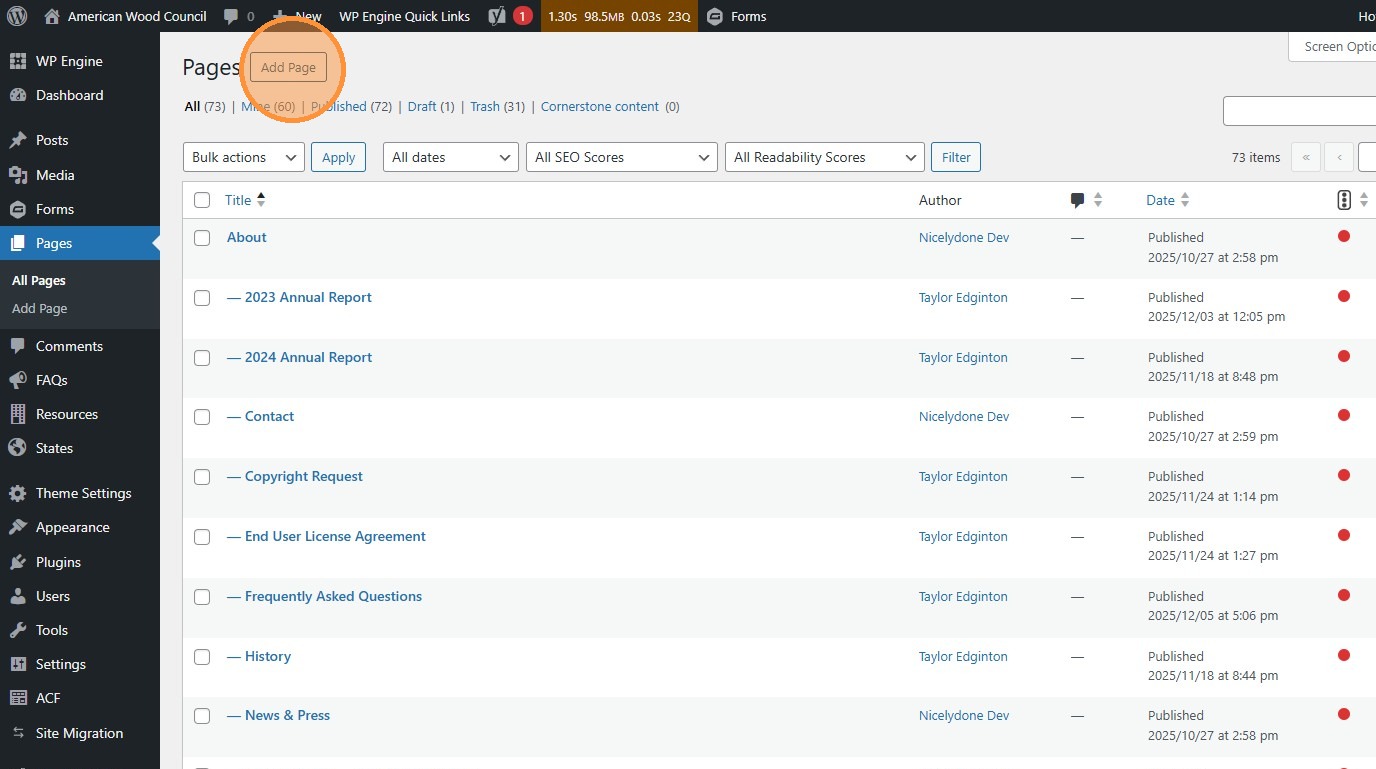
- or find an existing page to update and click “Edit”
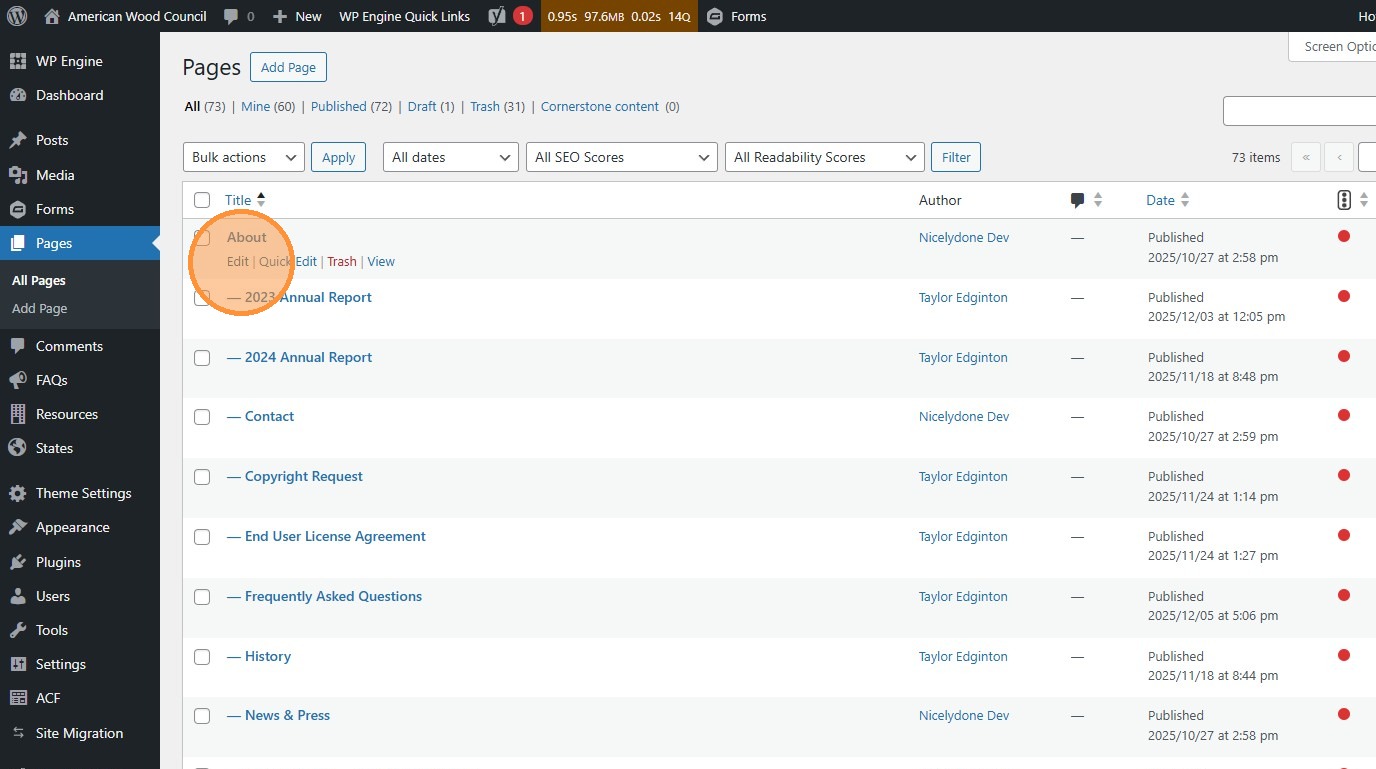
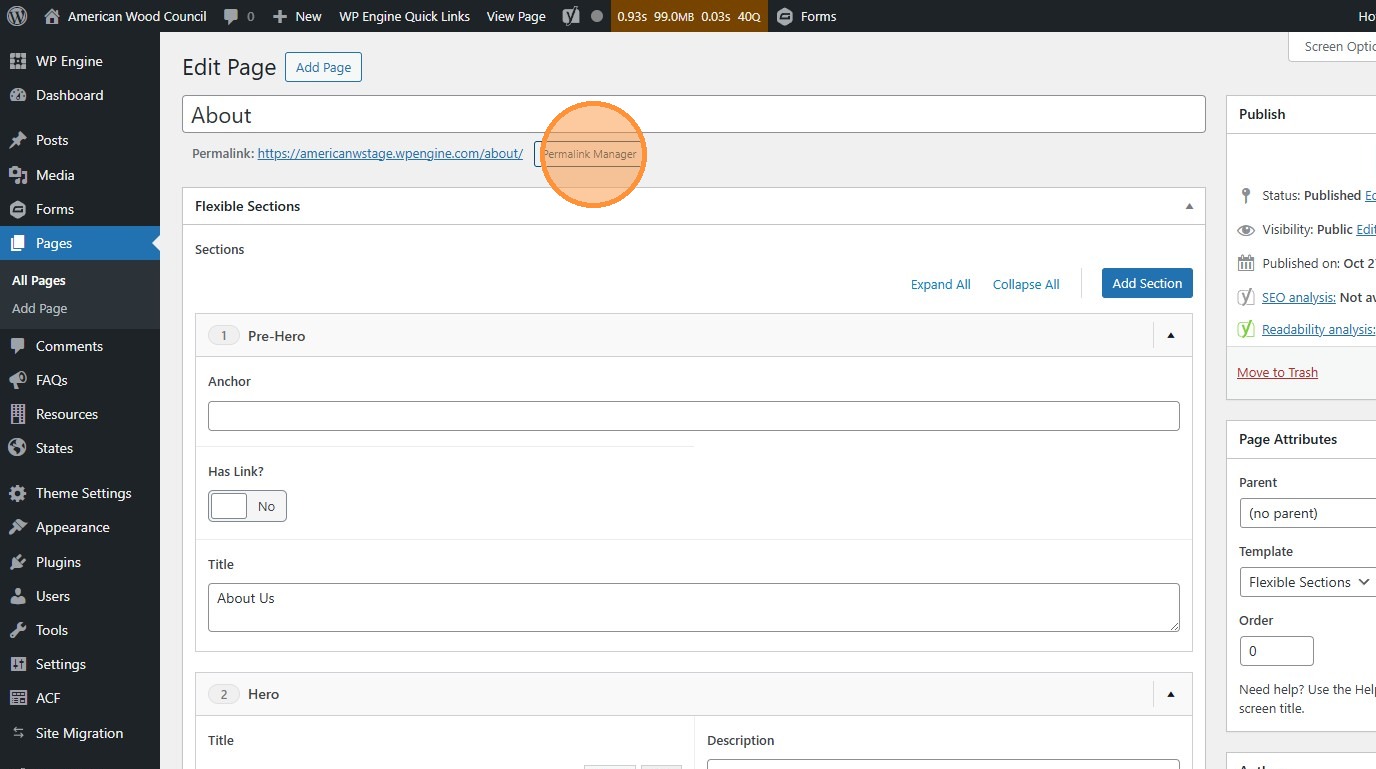
- This site was built with so-called “Flexible Sections”. Make sure to change the template before you start working.
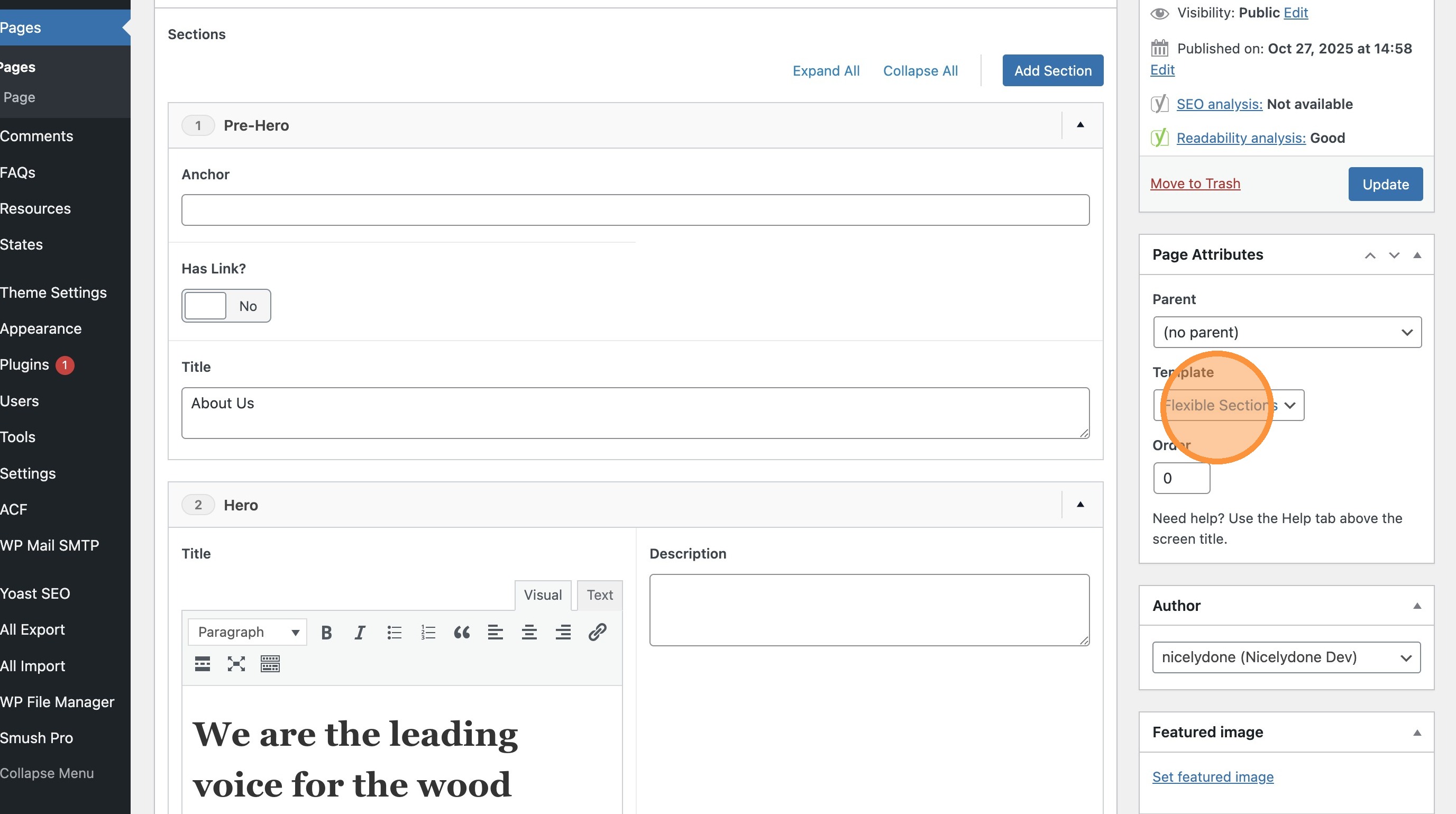
- Click “Add Section” to create a new field. Pick the module you want from the list.
Think of modules as “building blocks” for the website. Check out https://awc.org/modules/ and the other pages for examples of modules and how to use them.
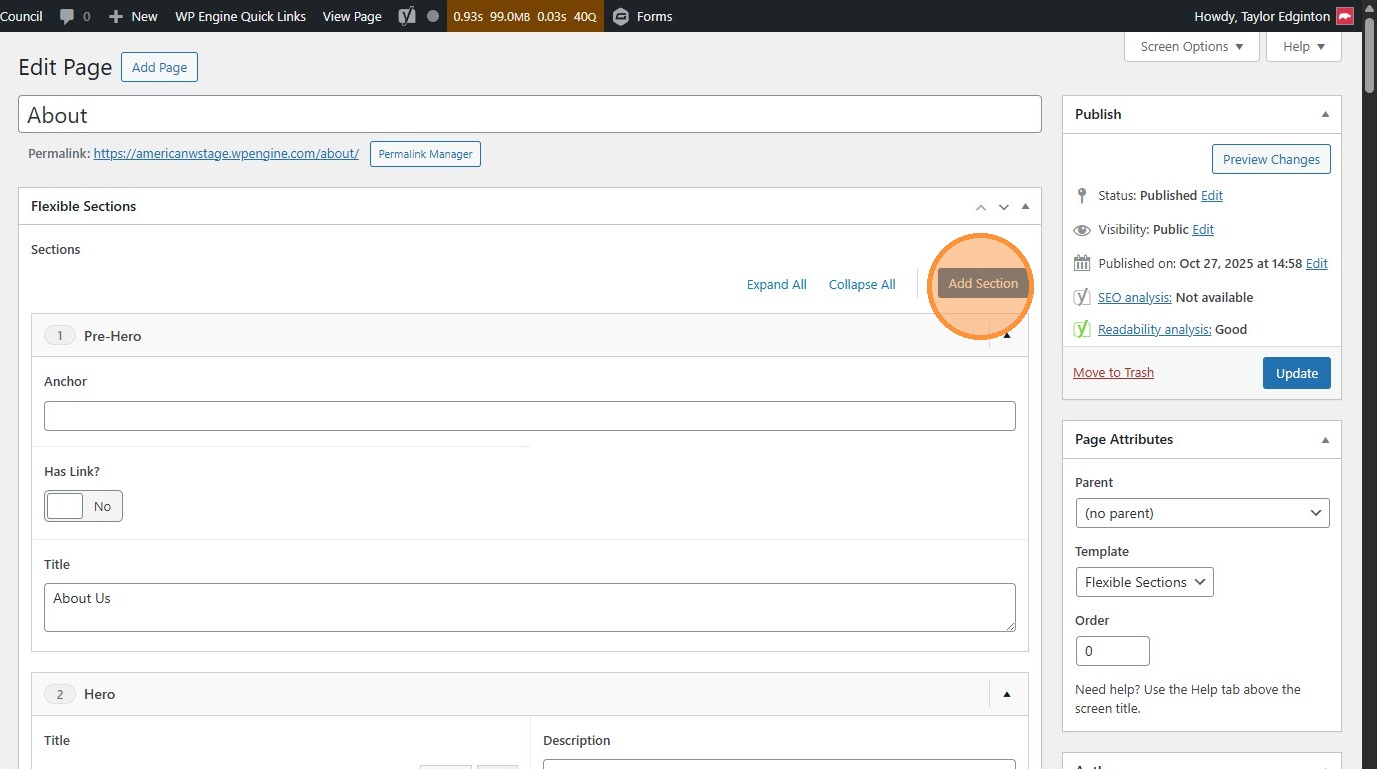
- Click the arrow to collapse/expand individual sections. The “Expand/Collapse All” links change all sections at once.
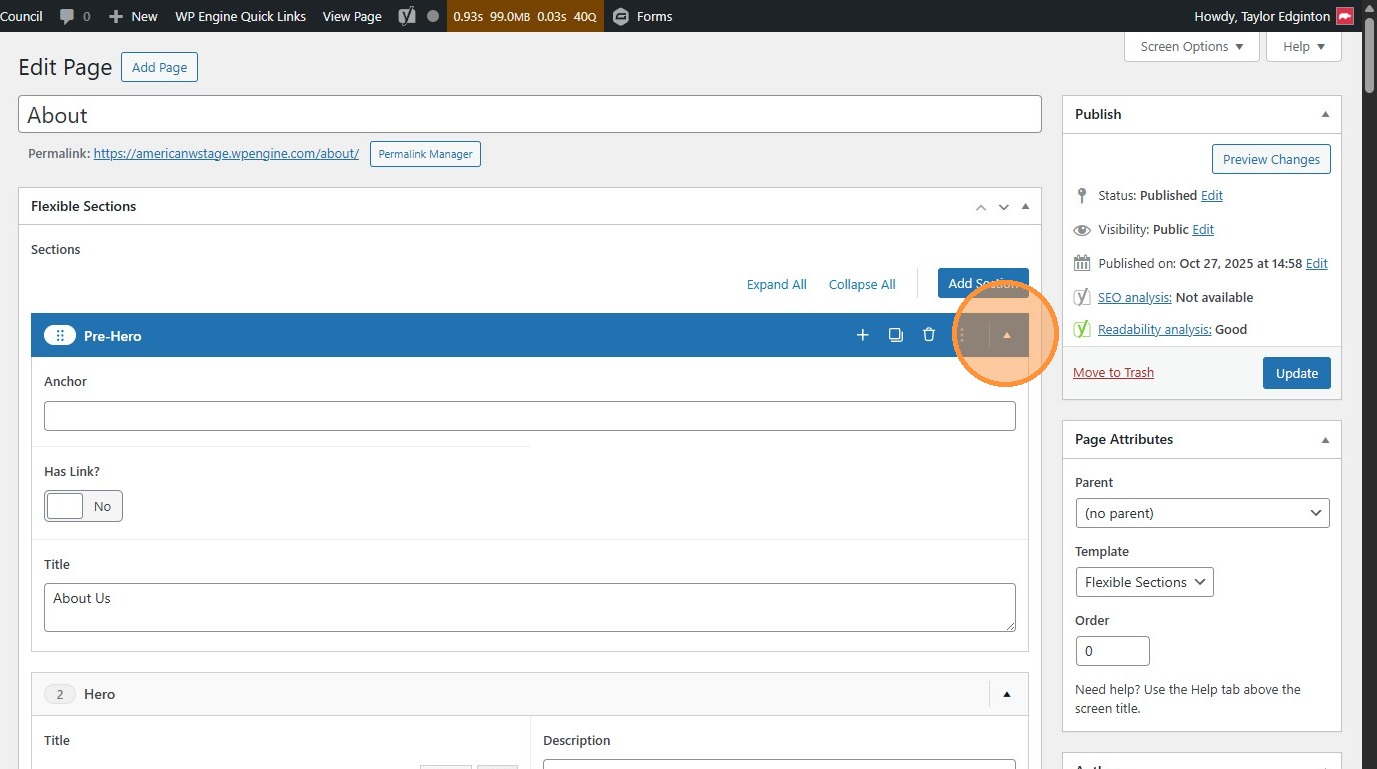
- Click and drag sections to rearrange the order they appear on the page.
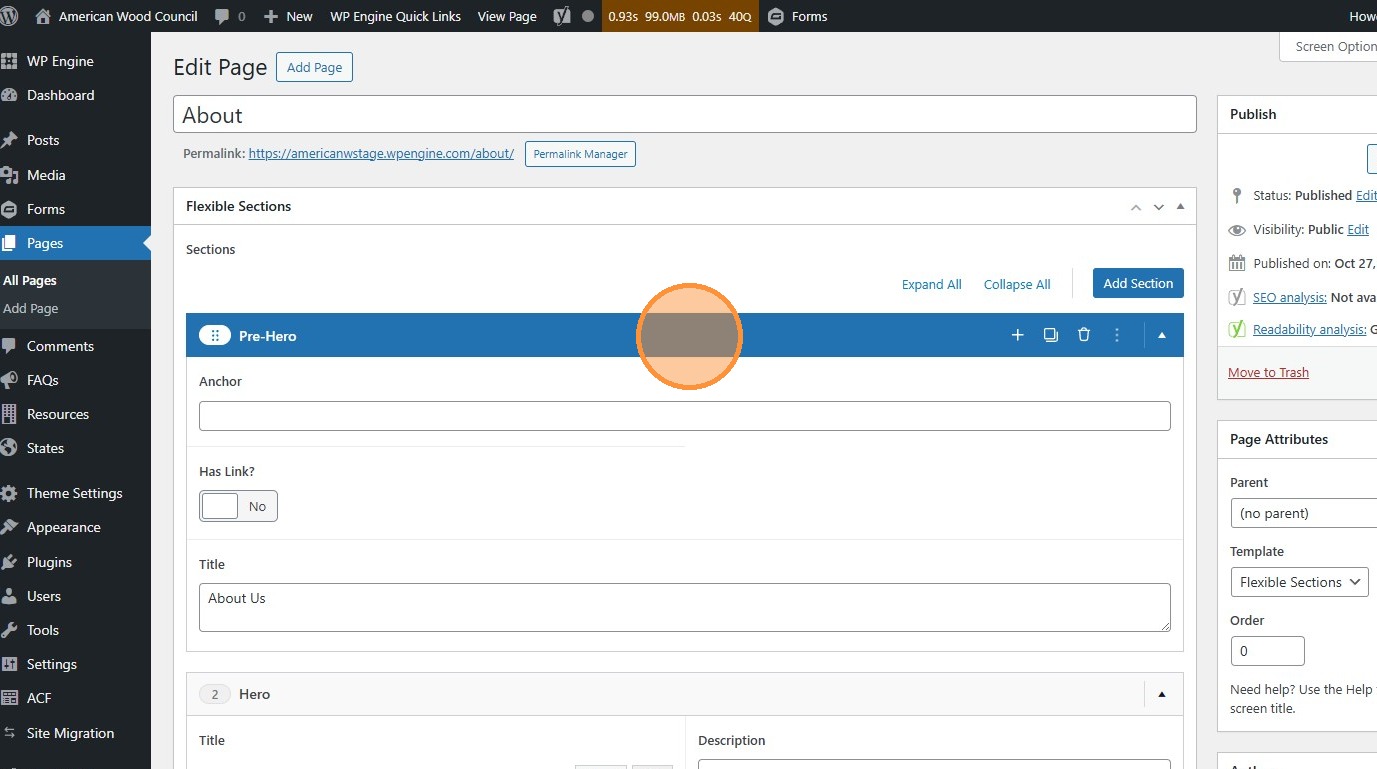
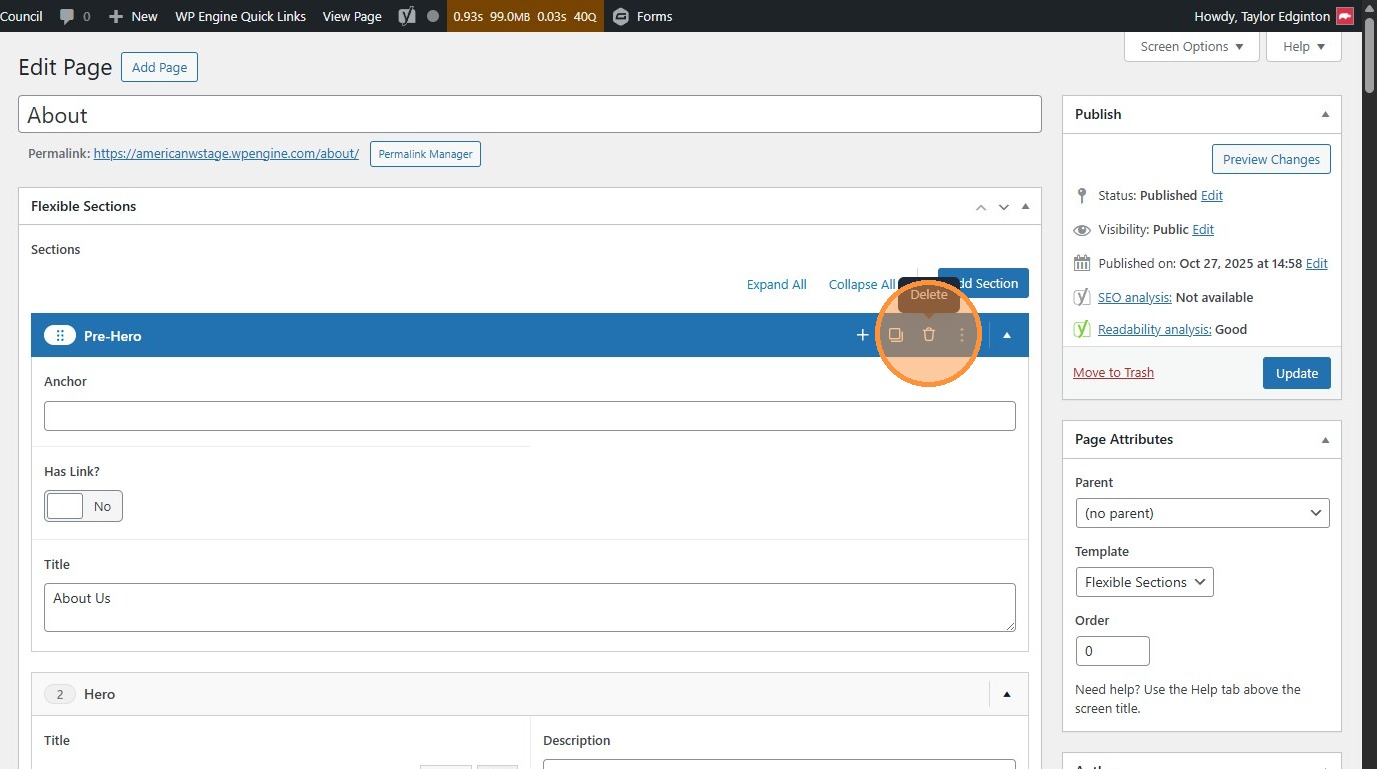
- Click the trash can to delete a section.
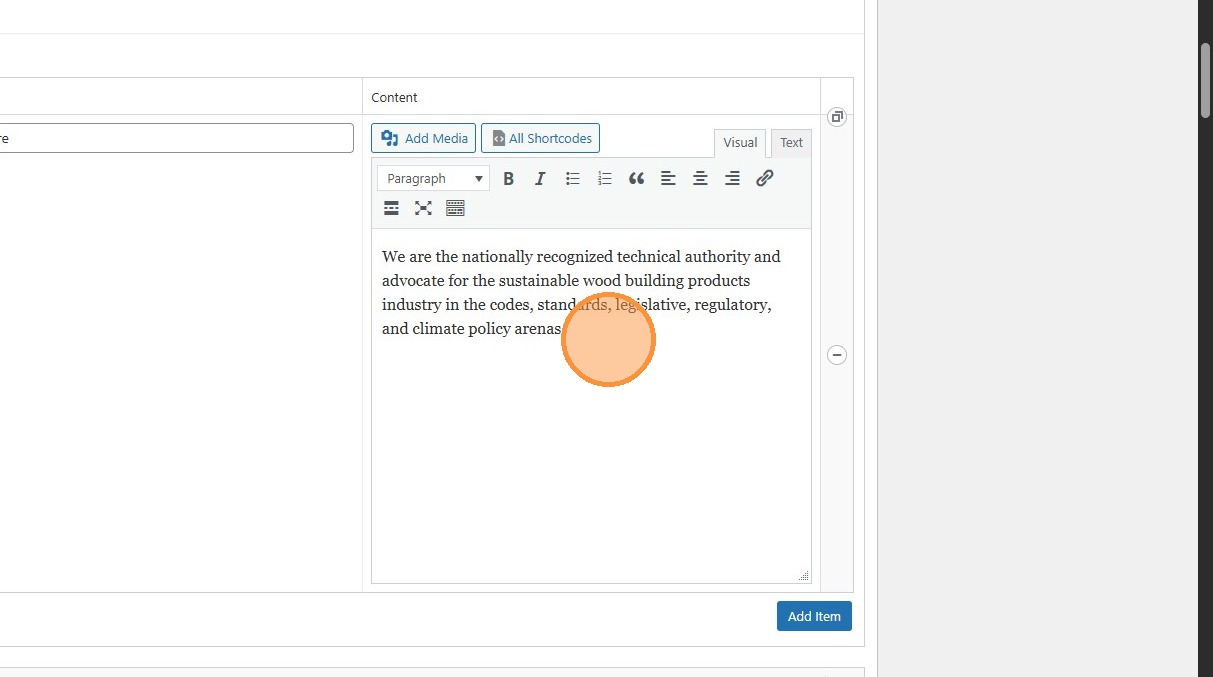
- Change the fields in any module to change the content on the page.
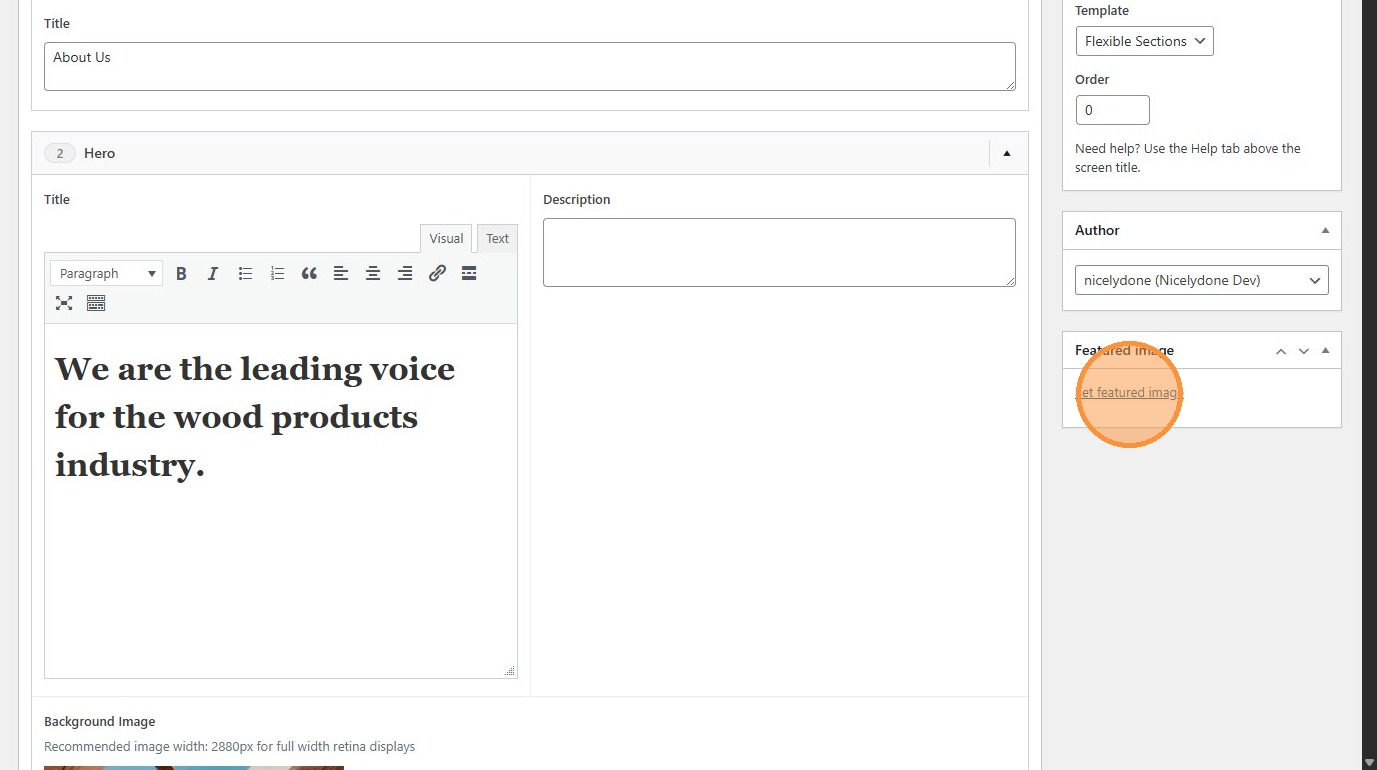
- Click “Set featured image” to change the image that appears in search results and other summary placements.
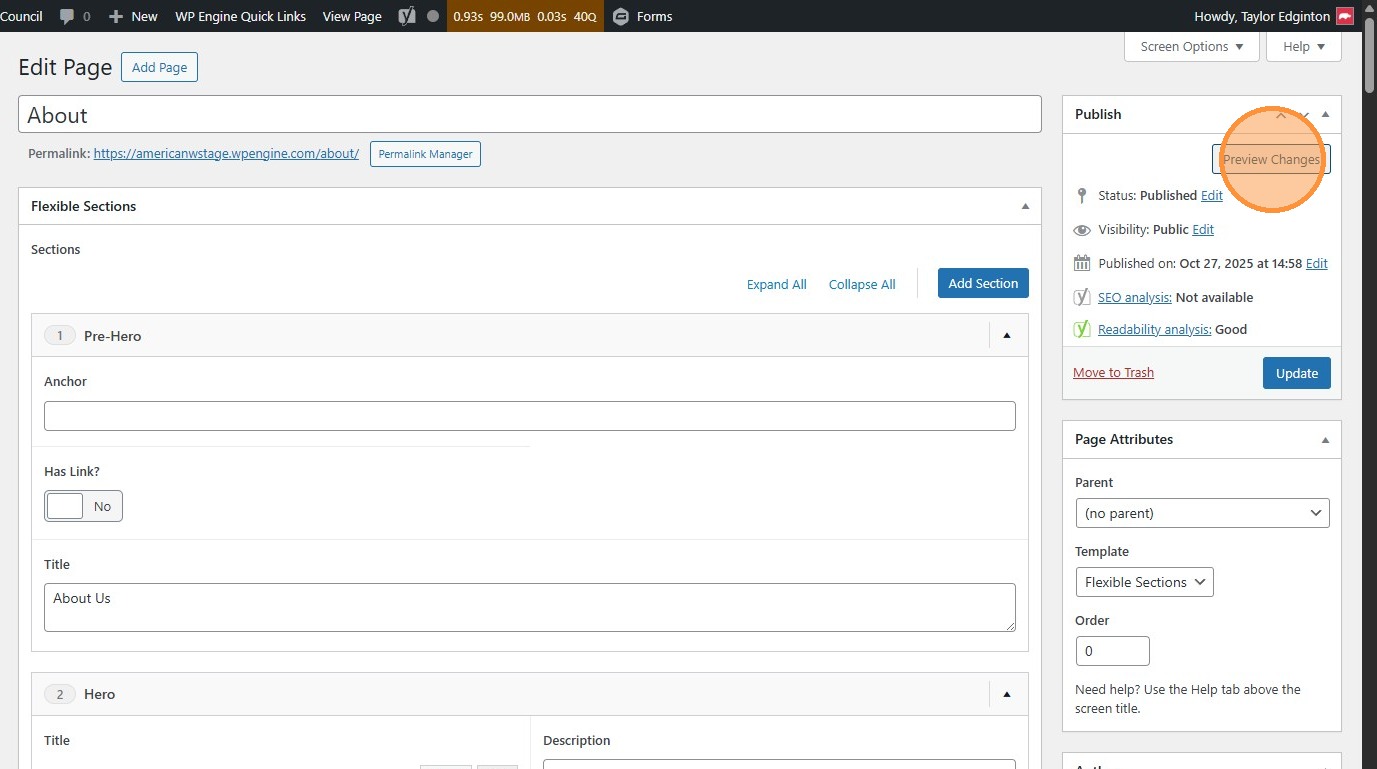
- Click “Preview Changes” (opens in a new tab) to see your changes before they’re official
- Click the “Permalink Manager” (or “Edit”) button to change the page’s URL
- Click “Update” to publish changes to the live site.