Posts
How to create, edit, and remove posts.
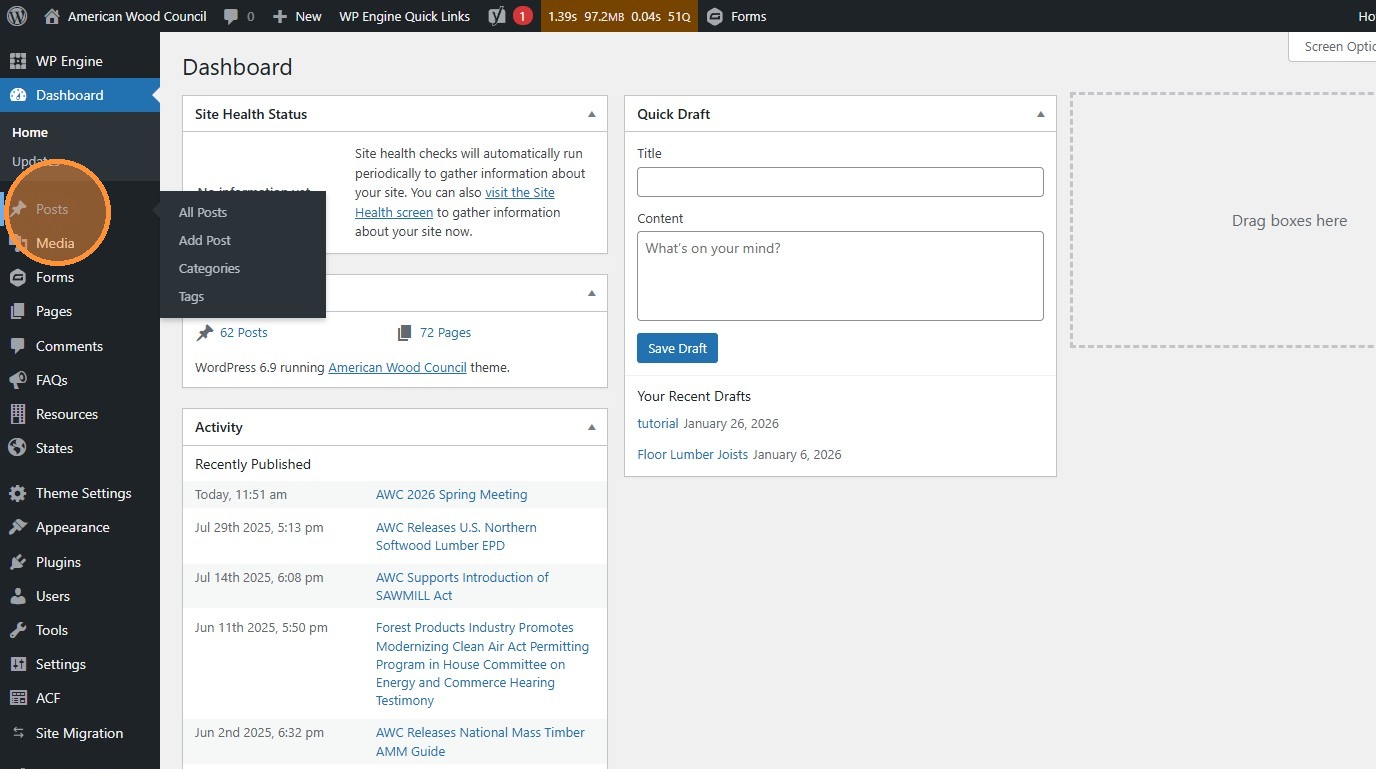
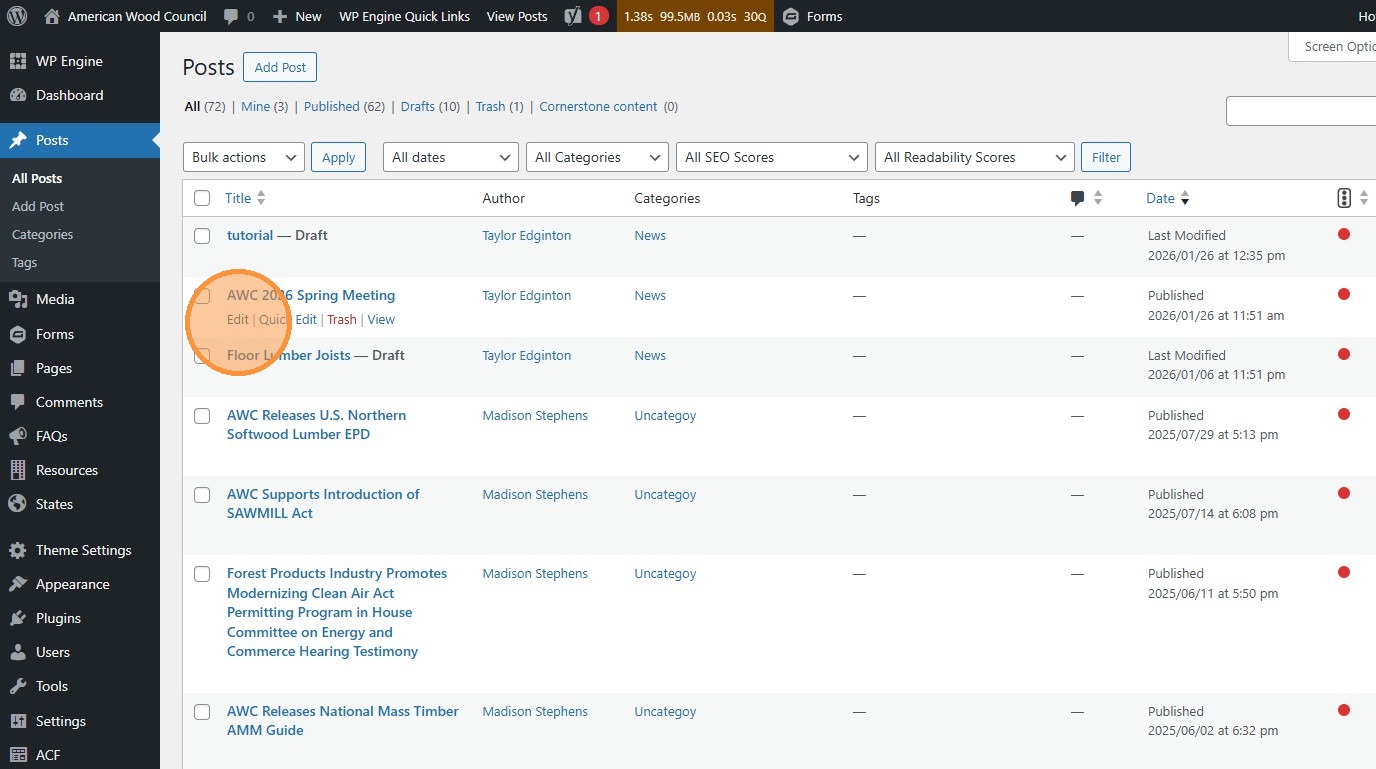
- Navigate to https://awc.org/wp-admin/, and click “Posts”.
These are simpler versions of Pages that appear on the News & Press page.
- Click “Add Post” to create a new post
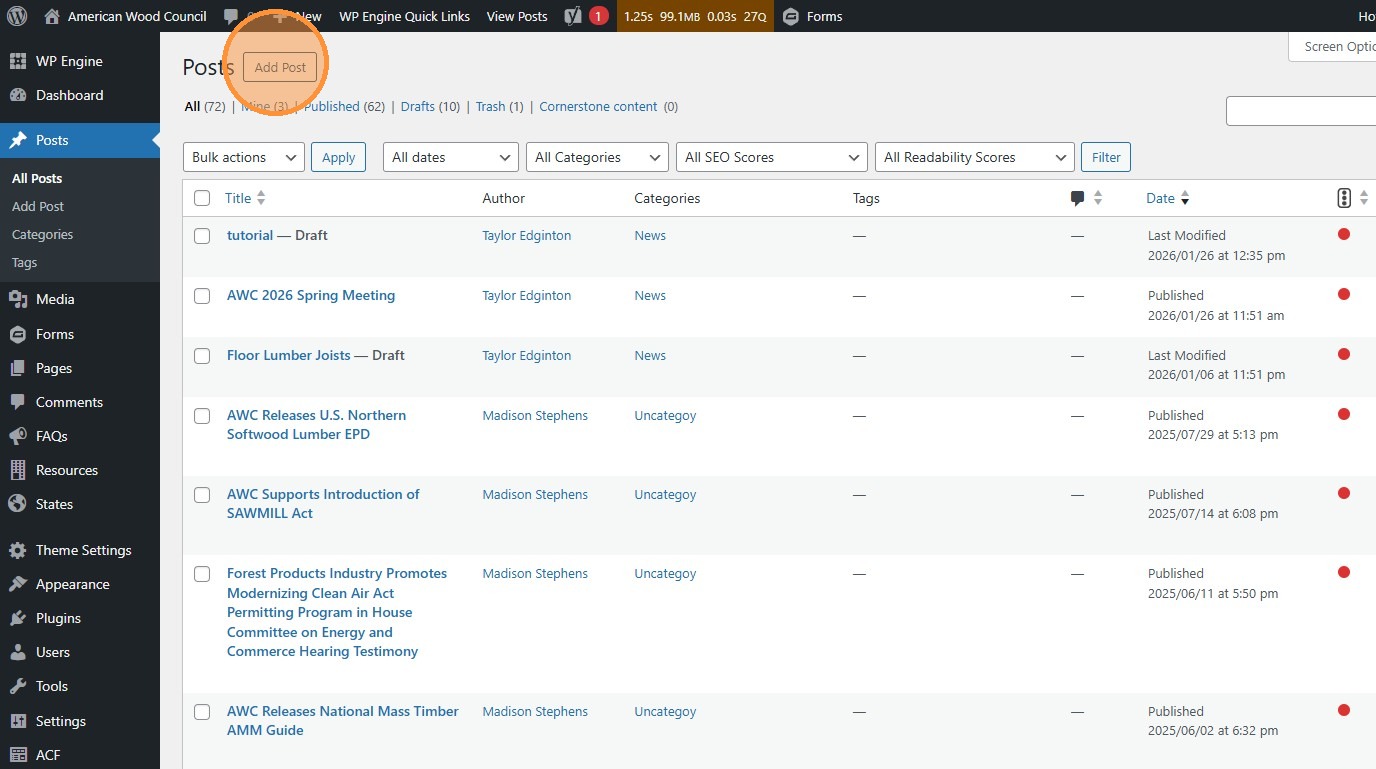
- or find an existing Post to update and click “Edit”
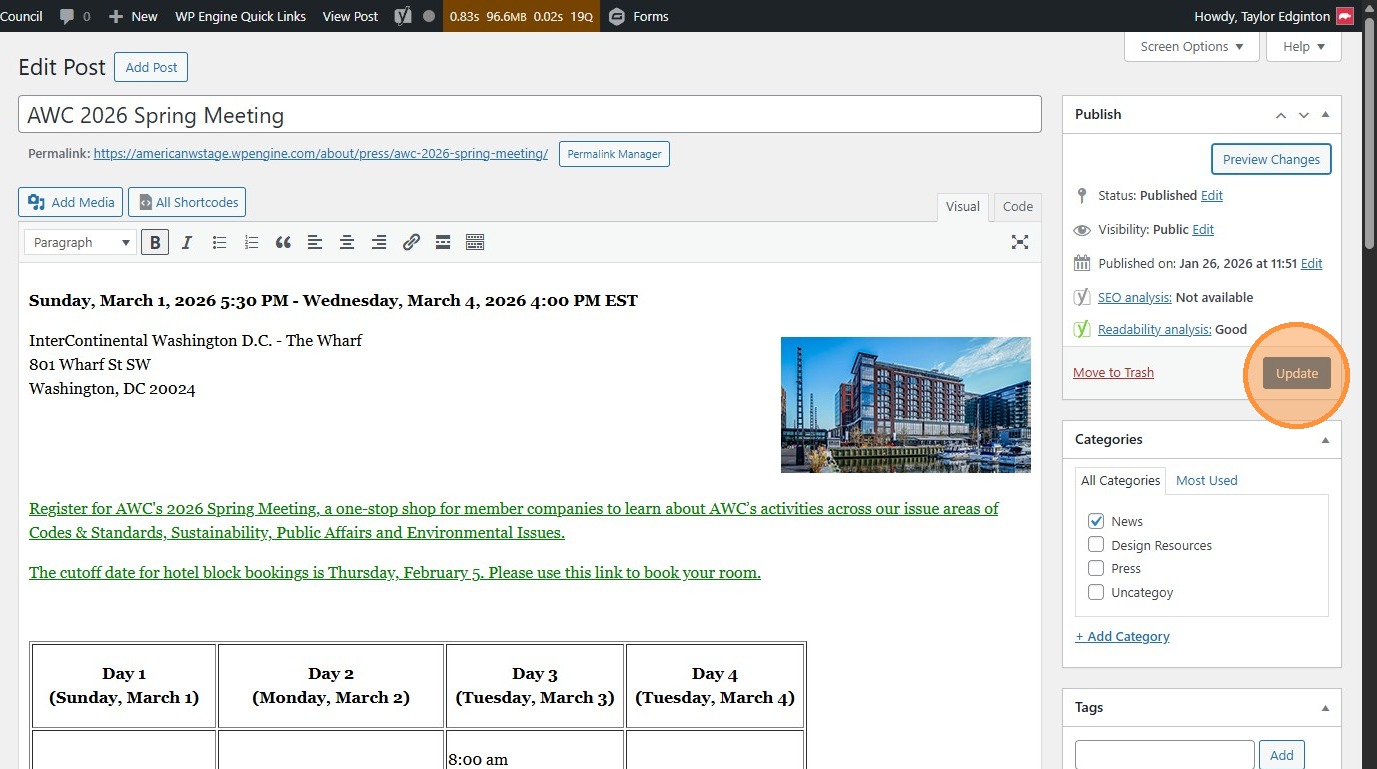
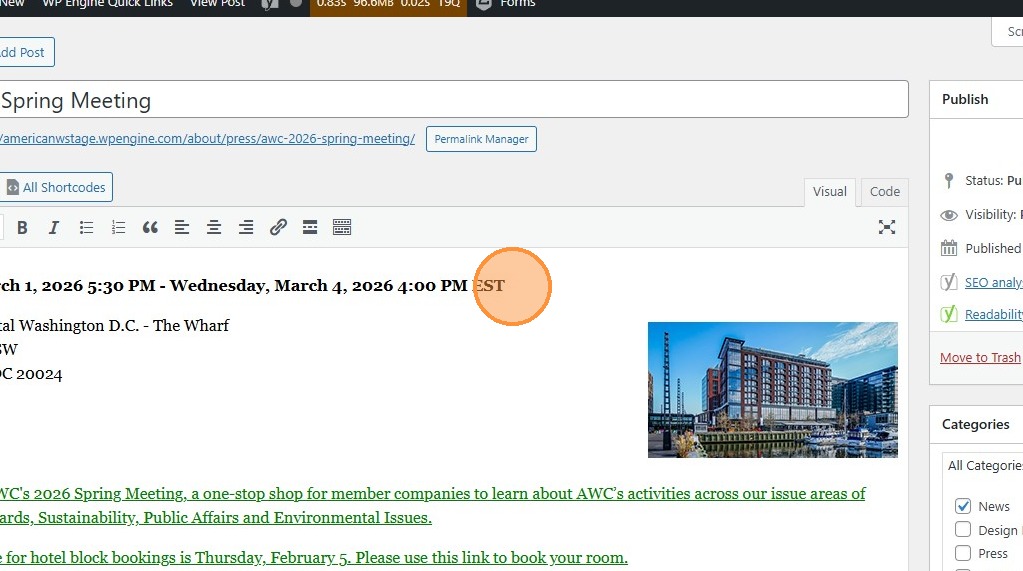
- Change the fields to change the content on the page.
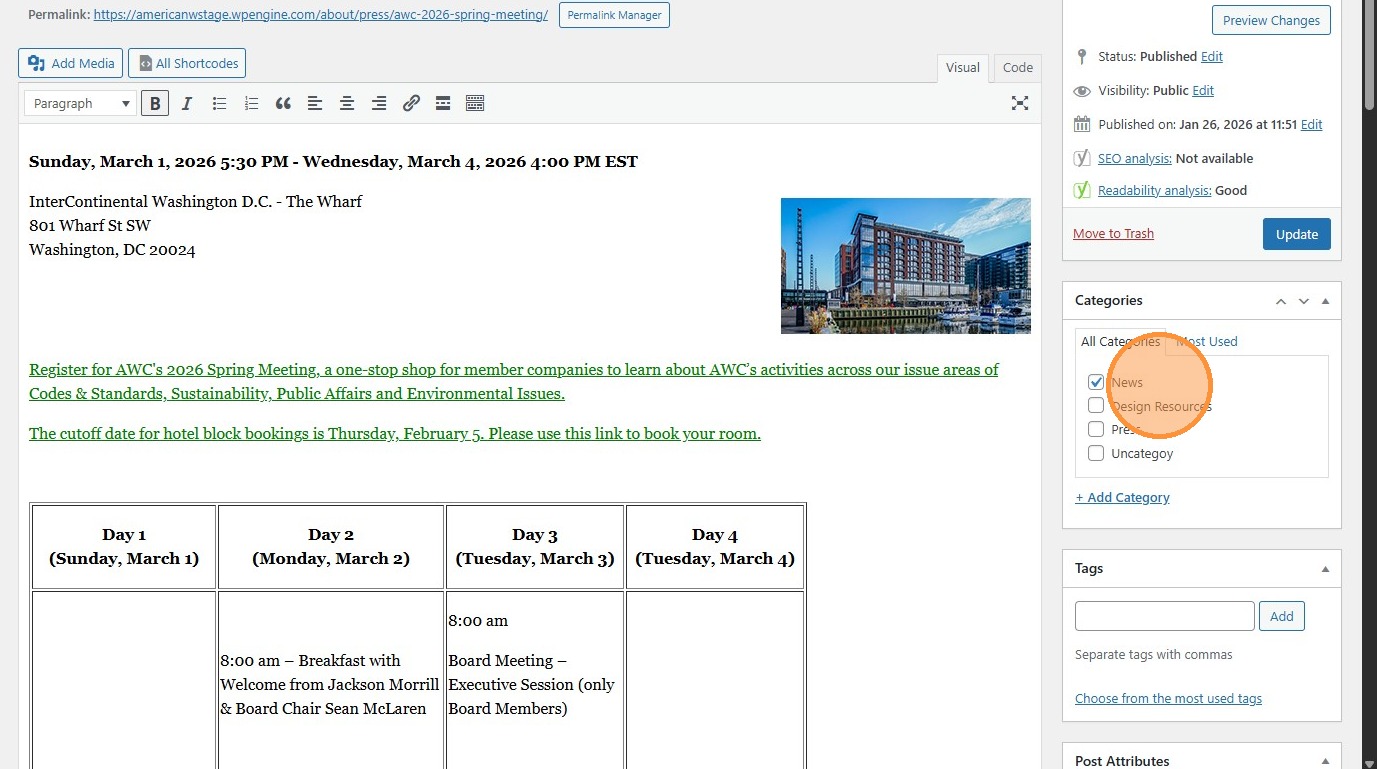
- Categorize the type of post with this menu here
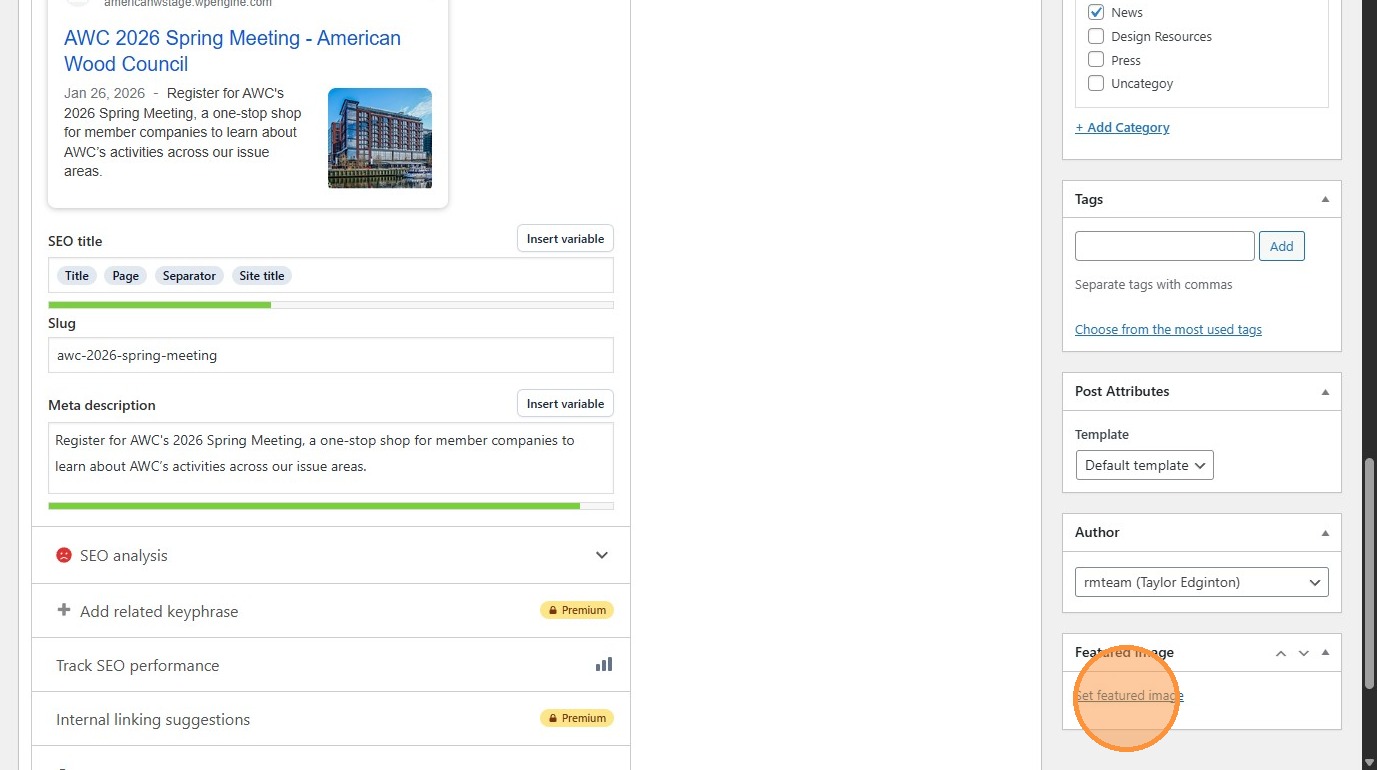
- Click “Set featured image” to change the image that appears in search results and other summary placements.
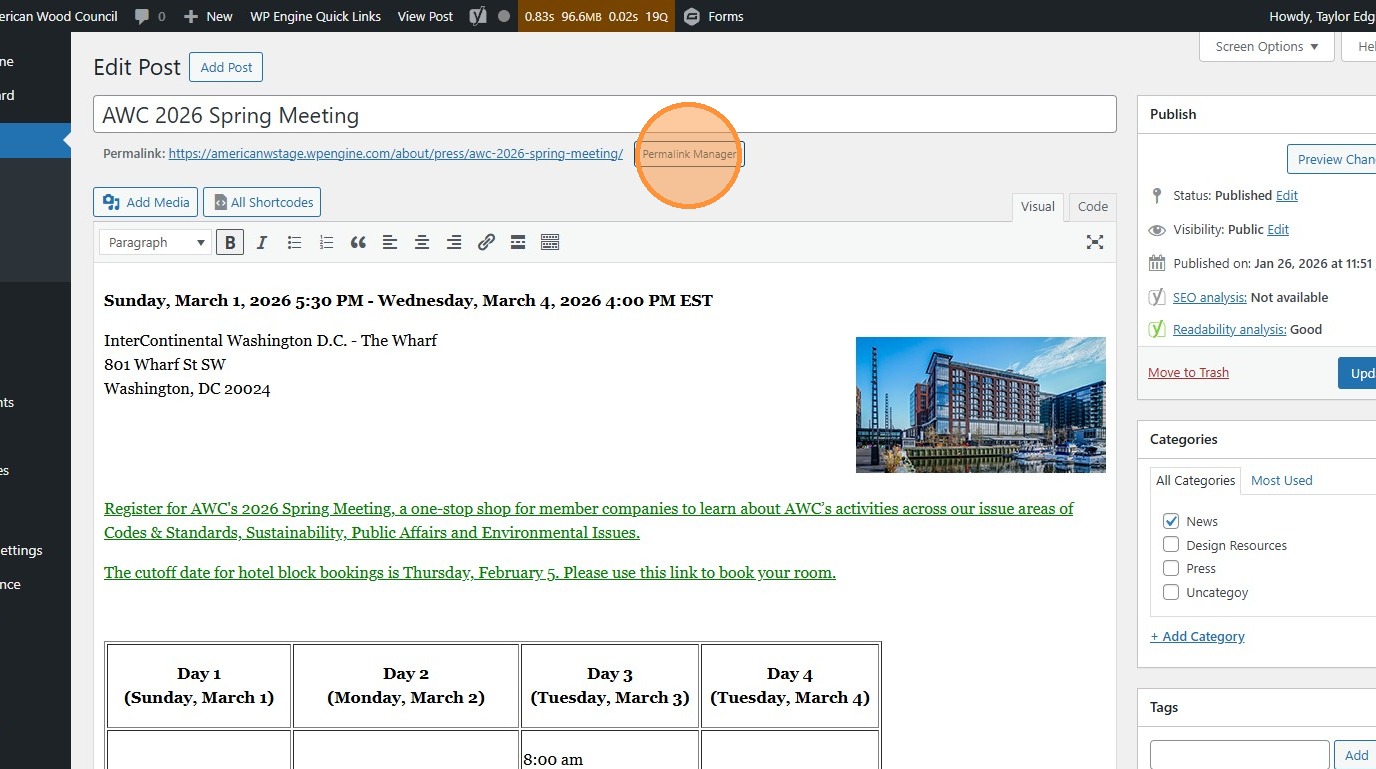
- Click the “Permalink Manager” (or “Edit”) button to change the page’s URL
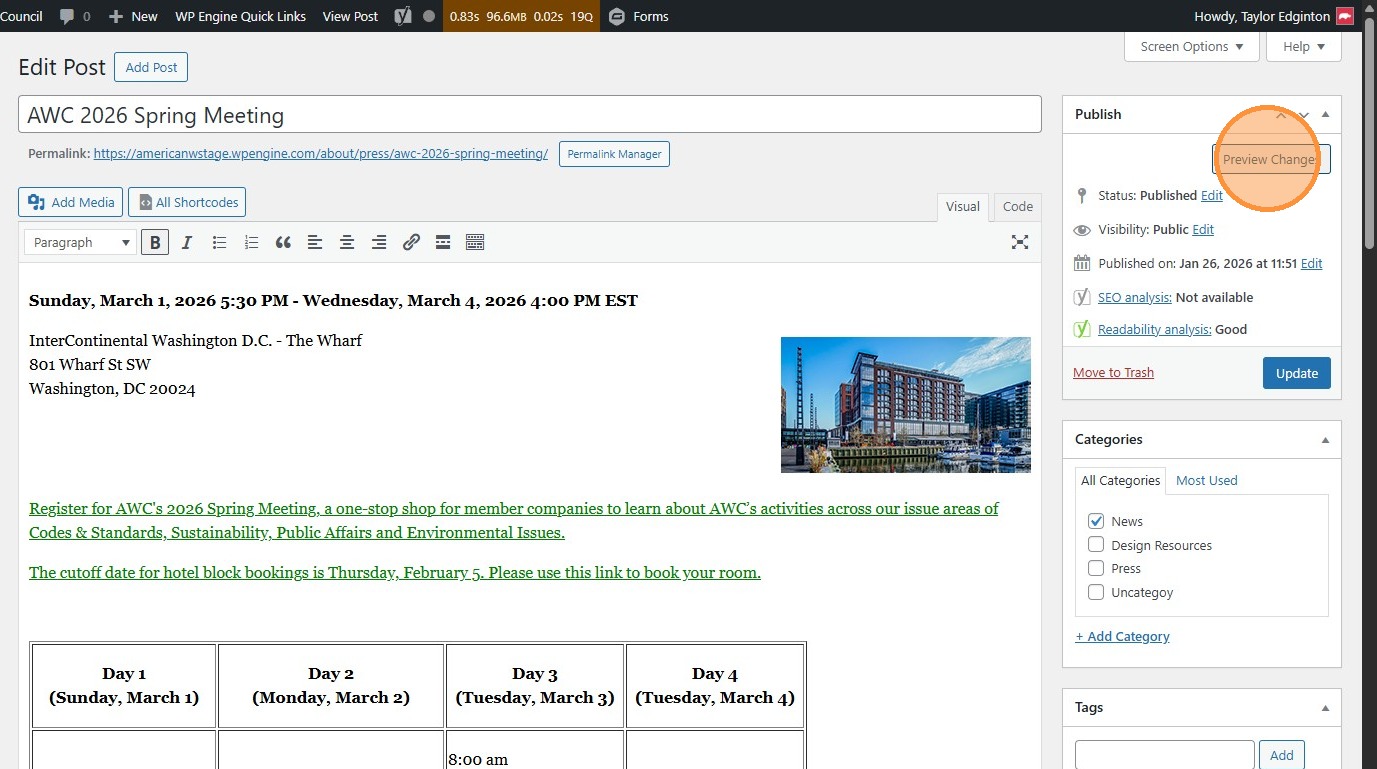
- Click “Preview Changes” (opens in a new tab) to see your changes before they’re official
- Click “Update” to publish changes to the live site.